Kiosk Reboot Problems: Identify the Trigger Before Replacing the Terminal
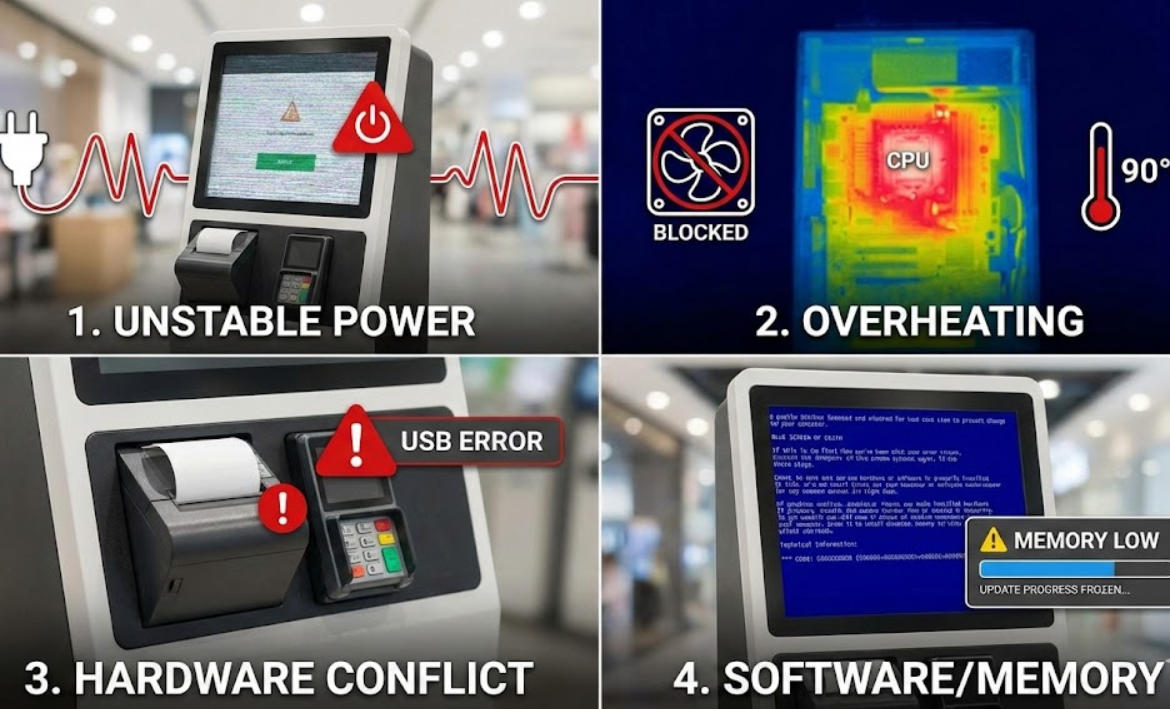
Investigate unexpected kiosk reboots through power, temperature, storage, software and update evidence, then validate the recovery path.
A kiosk that restarts may be losing power, hitting a thermal limit, crashing in a driver or applying a scheduled update. Treat every reboot as an event to investigate. Replacing the terminal without collecting evidence can move the same software or site problem to the next unit.

Record the exact circumstances
Note the time, transaction stage, connected modules and visible message. Check whether the unit restarts under load, after a fixed interval or when a particular peripheral is used. Review operating-system and management logs, but remove credentials and personal data before sharing them with support.
Check the safe external causes
- Confirm approved power supply, cable condition and site power behavior.
- Inspect ventilation and ambient conditions without opening powered equipment.
- Review storage health, free space and update schedules.
- Compare behavior with nonessential peripherals disconnected through the authorized service process.
- Check whether a management tool or watchdog is initiating a restart.
Test recovery without harming transaction integrity
Simulate the identified condition in a controlled environment and confirm that an unfinished transaction is reconciled before the next user starts. Check session cleanup and remote alerts. Keep a spare with the approved image, but do not treat automatic reboot as a complete fix. The goal is to remove the trigger and preserve a clear business state after a restart.