POS CPU Selection: Match Processor Capacity to the Real Workload
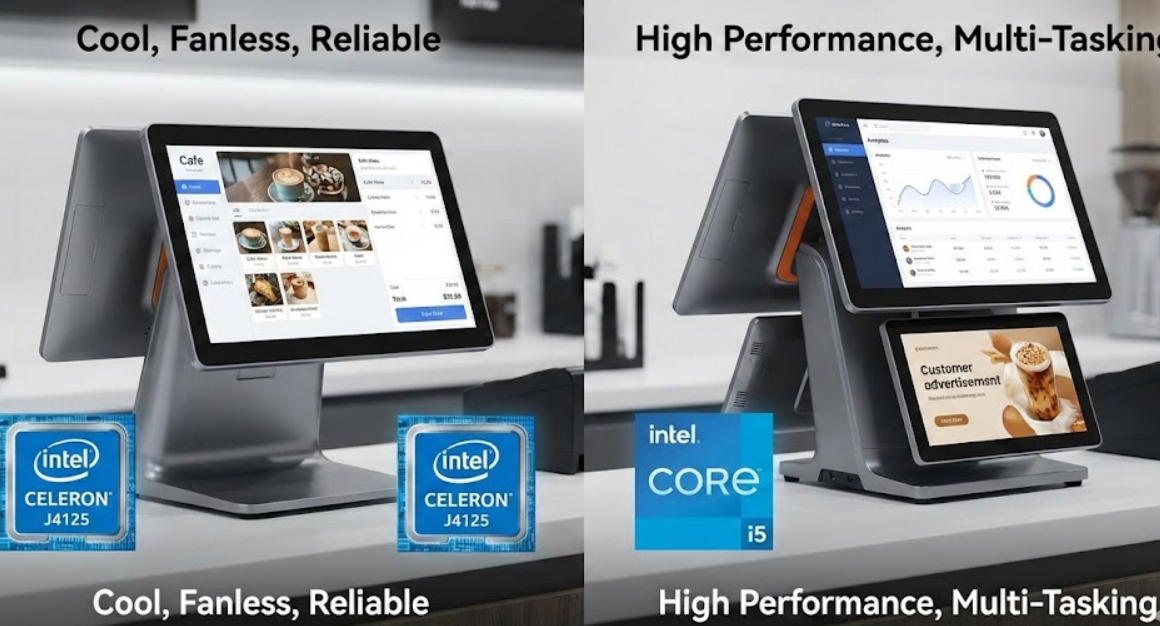
Choose a POS processor by measuring application concurrency, database behavior, thermal limits and lifecycle support instead of comparing names alone.
The fastest processor on a comparison sheet is not automatically the best POS choice. Most terminals need responsive item lookup, clear touch interaction and stable peripheral operation, not workstation-class computation. The right CPU leaves enough capacity for the intended software without raising heat, cost or replacement complexity unnecessarily.

Describe the workload in detail
List the main application, local database size, reporting tasks, browser tabs, remote-management agent and connected devices. Ask the software provider for recommended resources. A cloud checkout, local inventory database and kiosk image may each create a different CPU profile. Test startup and busy-period interaction rather than using a synthetic benchmark alone.
Consider the platform around the CPU
- Check motherboard, memory, storage and driver support for the chosen processor.
- Review cooling design and behavior under sustained workload in the final enclosure.
- Confirm the supported operating-system lifecycle and replacement availability.
- Avoid disabling thermal protections or changing firmware settings without authorization.
- Record the exact processor and board revision in the approved configuration.
Use measured headroom
Run representative transactions while monitoring responsiveness, temperature and resource use. Leave practical capacity for approved software updates, but do not pay for unused performance that increases service cost. If the bottleneck is network latency, storage health or application design, a CPU change will not solve it. Choose a processor that the complete terminal and support team can sustain.