Kiosk Camera or ID Recognition Failures: What to Check First
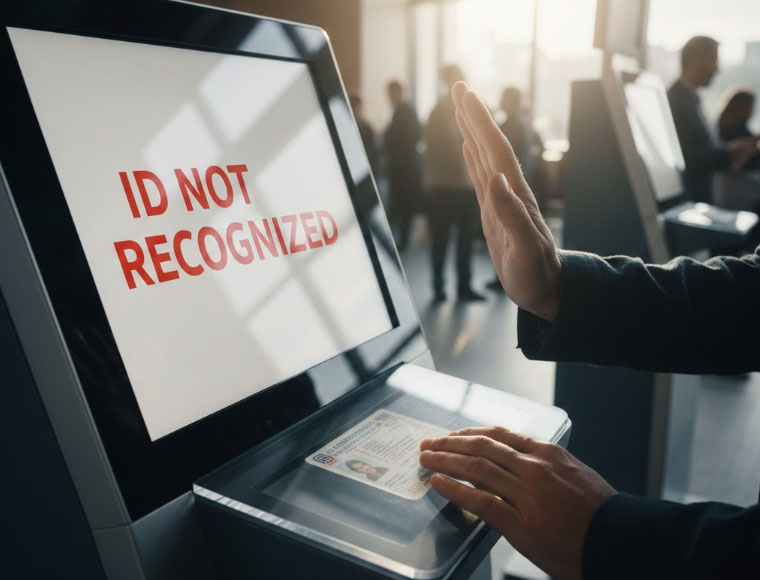
Separate image capture from recognition and authorization, with practical checks for lighting, document support and privacy-conscious diagnostics.
A camera image, a recognized document and an authorized identity are three different results. When an ID workflow fails, identify the stage before adjusting hardware. Document handling can involve sensitive personal information, so use the operator's approved test materials and privacy procedures rather than saving customer images for convenience.

Verify image capture safely
Check the approved application can access the camera and that the lens is unobstructed. Compare focus, exposure and framing with the integration specification. Glare, backlighting and movement can make a readable human image unsuitable for automated processing. Use a controlled test target and avoid changing security permissions broadly just to make a camera appear.
Check recognition and service dependencies
- Confirm supported document types, barcode formats and regional variants with the software provider.
- Verify SDK versions, licences and network availability where recognition uses a remote service.
- Review error categories without logging full document images or numbers unnecessarily.
- Distinguish unreadable input from a valid recognition result that fails a later authorization rule.
- Provide an assisted process when automated recognition cannot complete safely.
Validate the final workflow
Test representative supported documents under realistic lighting and reach conditions. Agree retention, access and deletion rules with the responsible privacy and compliance teams. A better camera may improve capture, but it cannot add unsupported document formats or establish legal authority to process identity data.