POS System vs Kiosk: Differences in Architecture and Transaction Ownership
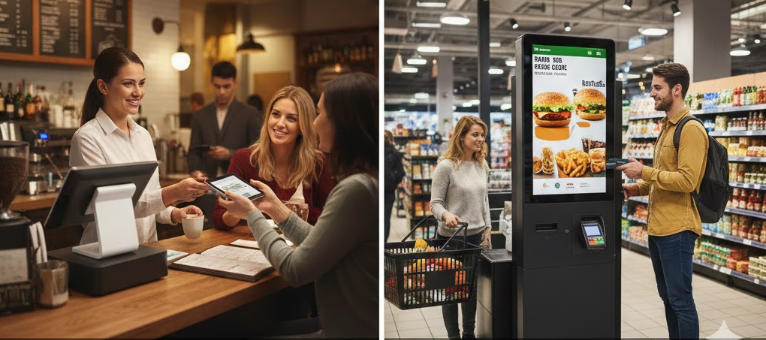
Compare the architecture behind staff-operated POS and customer-operated kiosks, including sessions, privileges and unfinished transactions.
The most important technical difference between a POS and a kiosk is the operator's trust and training level. A cashier uses an authenticated working environment; a kiosk faces changing public users. That difference affects permissions, session cleanup and recovery even when the underlying computer and peripherals are similar.

Design the session boundary
A staff application can expose authorized overrides and support tools. A public kiosk must prevent access to the operating system, administrative functions and another customer's information. Define timeouts, cancellation and cleanup without abandoning an already authorized payment. Display messages should make the next action clear without revealing internal diagnostics.
Assign transaction ownership
- Keep a unique transaction reference across the application and external services.
- Decide who resolves an uncertain payment or a failed fulfilment step.
- Restrict maintenance access and record authorized configuration changes.
- Separate public content from service functions and lock down unnecessary ports or applications.
- Provide an assisted route for users and transactions the kiosk cannot handle.
Test architecture through recovery
Restart during a safe test transaction, disconnect a peripheral and simulate a delayed service response. Check that the next user cannot see the previous session and that operators can reconcile the unfinished event. These architectural tests explain why converting a cashier screen into a full-screen public display is not enough to create a dependable self-service system.