Handheld POS and Mobile Payment: Compare Devices by the Transaction
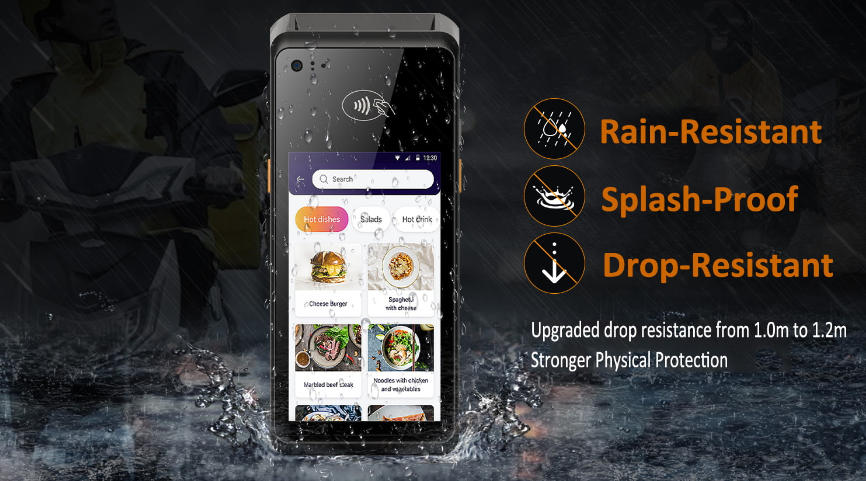
Distinguish handheld POS computing from mobile payment acceptance and choose a device that fits the full order, payment and record workflow.
Handheld POS and mobile payment are related but not identical. A handheld terminal may run a sales application, scan items and maintain a basket, while a payment device primarily requests authorization. One product may combine both roles, but the provider, operating system and security responsibilities still need to be identified.

Define the job the device must do
List item lookup, barcode capture, customer identification, receipt delivery, payment and stock updates. Confirm whether the device can continue locally when connectivity is weak and how it reconciles later. A payment tap alone does not create an inventory movement or a completed order in the business system.
Check mobility and security
- Test Wi-Fi or cellular coverage where staff move, including handoff between access points.
- Review battery, charging, protective case and loss or theft response.
- Use provider-approved payment hardware and keep credentials within the managed solution.
- Restrict staff permissions and clear the previous session before another worker uses the device.
- Check scanner, printer and optional accessory compatibility.
Validate a complete handoff
Run a sale, split or partial payment where supported, cancellation, refund and shift close. Confirm the central record and receipt reflect the same state. Train staff to distinguish a declined payment from an application error. A good handheld deployment reduces movement without sacrificing transaction control, privacy or recoverability.