Small-Business POS: Buy the Workflow You Need, Not Every Feature

Choose a manageable small-business POS by prioritizing essential tasks, clear provider terms, simple recovery and realistic ownership costs.
Small businesses need a POS they can operate and support without a dedicated technical team. Begin with the tasks that must work today, then identify what can wait. A smaller supported configuration is often more useful than a complex package whose integrations and recurring costs are not understood.

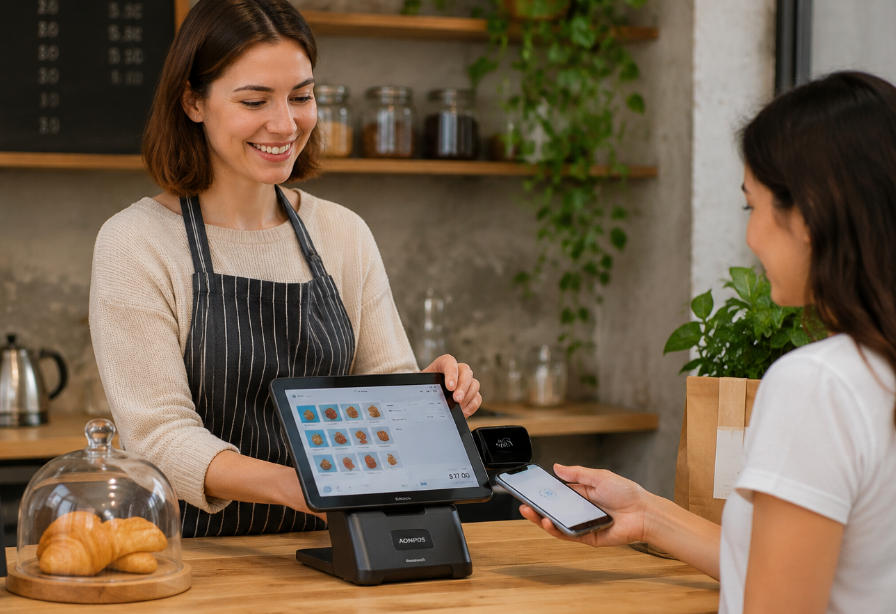
Set a short requirements list
Describe products or services, payment methods, receipt needs and the number of users. Decide whether inventory, appointments, ecommerce or multi-site reporting is genuinely required. Confirm which capabilities come from the application and which need additional devices or services. Avoid buying an accessory simply because it appears in a standard bundle.
Check costs and operating terms
- Compare equipment purchase or rental with subscriptions and transaction-provider charges.
- Confirm cancellation terms, data export and access to sales records.
- Test the intended phone, tablet or terminal with all required peripherals.
- Ask who assists with installation, updates and payment problems.
- Keep a practical backup and recovery method for the information the business needs.
Trial ordinary work before committing
Run a sale, return, receipt reprint and end-of-day close. Check what happens when the connection or printer is unavailable. Let the people who will use it evaluate the interface. Expand only when the existing workflow is stable and a new capability has a clear purpose. There is no single best POS for every small business, but there can be a well-defined fit for yours.