Self-Service POS and Self-Checkout: Define What the Customer Controls
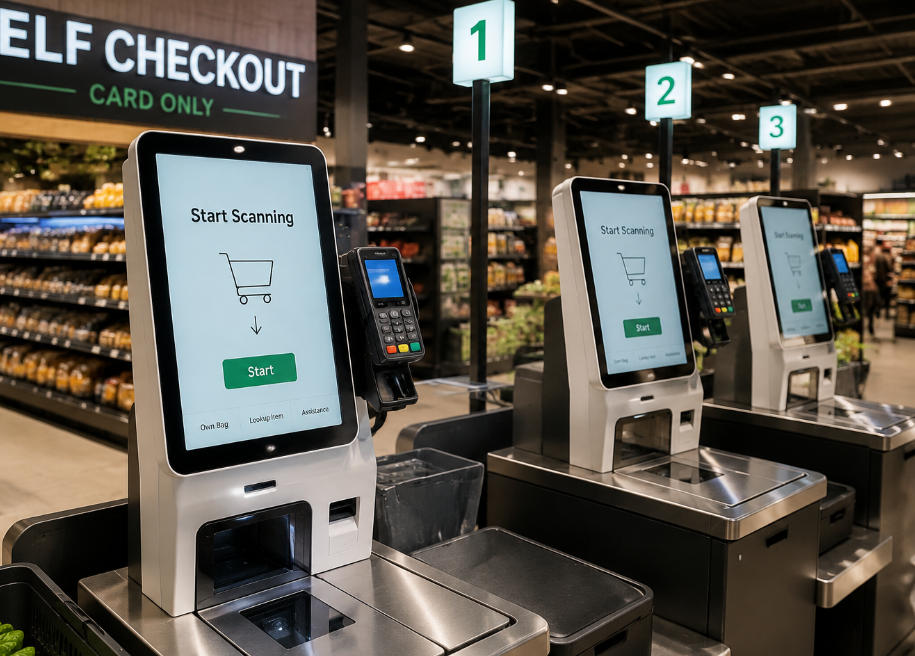
Understand the scope of customer-operated checkout and the application, assistance and recovery rules needed to support it.
Self-service POS can describe several workflows, from entering an order to scanning a basket and paying without a cashier. Define which steps the customer performs and which remain with staff or external services. This avoids treating a kiosk enclosure as a complete solution for every self-checkout requirement.

Specify the public interface
Use clear item descriptions, visible basket totals and simple correction controls. Include accessible language, cancellation and assistance. Restrict the public session from administrative functions and previous-customer information. Decide how inactivity is handled without losing track of a payment that may already have been authorized.
Plan the less convenient cases
- Unreadable or missing product codes.
- Promotion disputes, age-restricted goods or other transactions requiring authorization.
- Printer failure and digital-receipt alternatives where supported.
- Payment decline, cancellation and uncertain result.
- Application restart and unfinished-session reconciliation.
Evaluate the supported service
Test the actual merchandise, customers and payment arrangement in a supervised pilot. Record completion and assistance alongside service incidents and staff effort. Keep a usable alternative for excluded tasks and users. The aim is a dependable additional service channel, not a claim that self-checkout removes every need for staff involvement.