What Is a Self-Service Kiosk? Components, Software and Service Boundaries
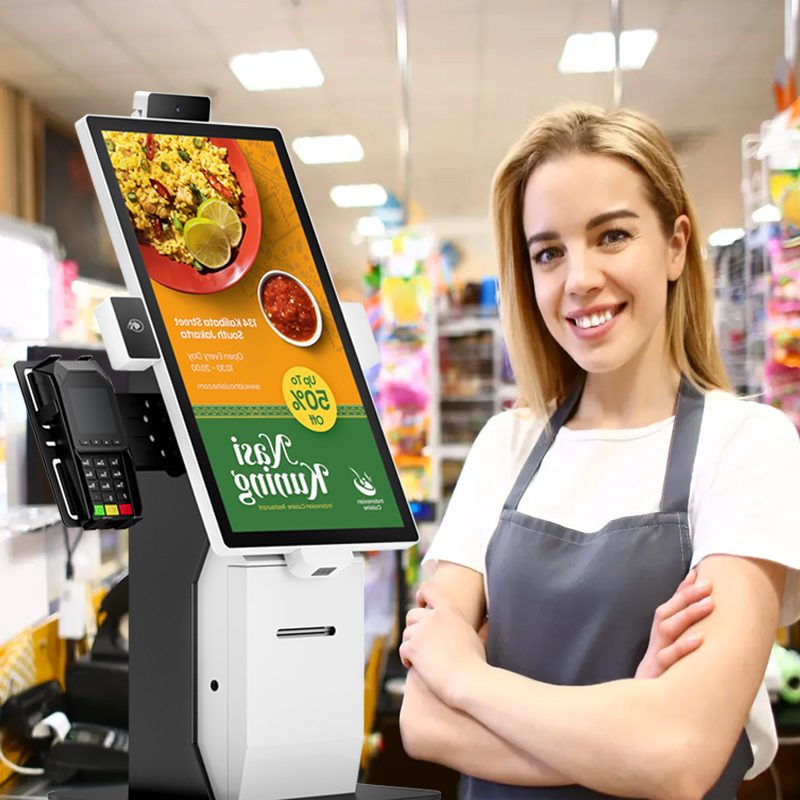
Understand a kiosk as a customer-operated service point, including its hardware modules, application logic and need for exception handling.
A self-service kiosk is a customer-operated terminal designed for a defined task, such as ordering, ticket collection or account payment. It commonly combines a display, computer and selected peripherals. The enclosure is only the physical platform; the application and connected services determine what customers can actually complete.

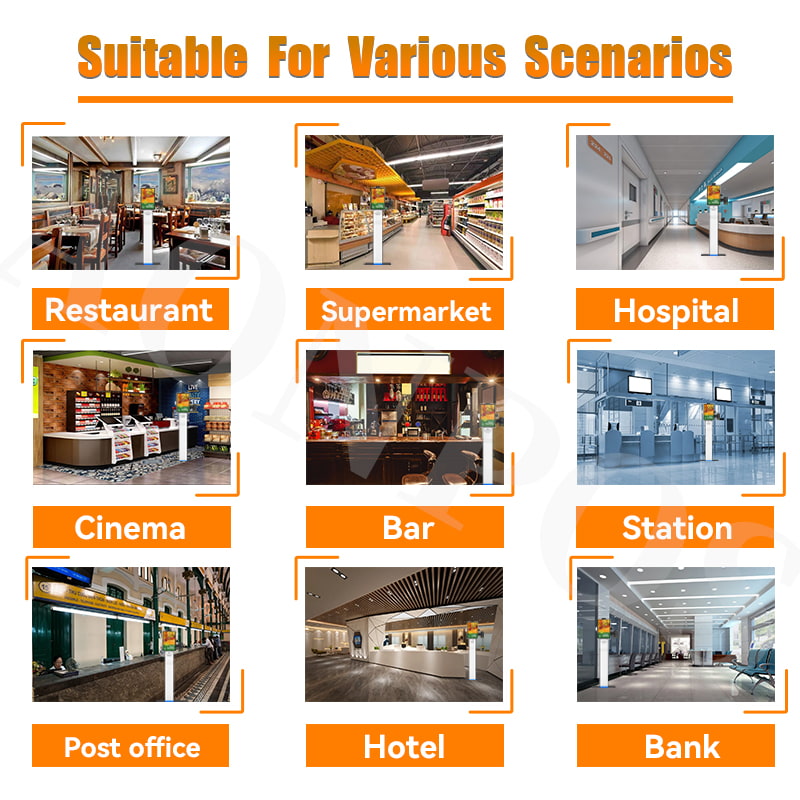
Identify the parts of the service
- Interface: the screen presents choices, progress, errors and an assistance route.
- Input: touch, scanners or supported credentials identify selections and records.
- Processing: software applies business rules and communicates with authorized services.
- Output: receipts, tickets or digital confirmation show the completed result.
- Operations: monitoring, cleaning, replenishment and repairs keep the service available.
Match the design to the task
A lobby information terminal may need no payment hardware, while an unattended payment station needs a provider-approved device and recovery logic. Choose mounting, reach ranges and language support for the intended users. Confirm environmental suitability separately; a freestanding kiosk is not automatically an outdoor-rated product.
Plan the exceptions
Customers need a safe way to cancel, request help and leave without exposing personal information. Test unavailable networks, empty paper and interrupted sessions before launch. A successful kiosk is not simply a touchscreen that works; it is a complete, maintained service whose ordinary users can finish the task and whose failures staff can diagnose and recover.