What Hardware Does a POS Need? Build the Workstation by Function
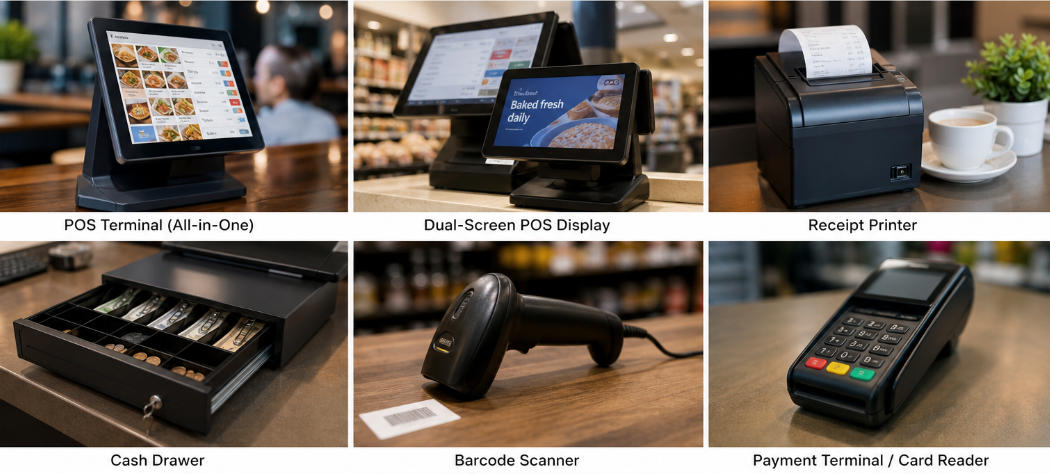
Identify essential and optional POS hardware by the input, payment and output tasks your checkout must perform.
There is no single mandatory POS hardware bundle. A small service business may need a supported device and payment arrangement, while a grocery counter may need scanning, weighing, printing and cash handling. Start with required functions and then list the physical components that support them.

Map functions to equipment
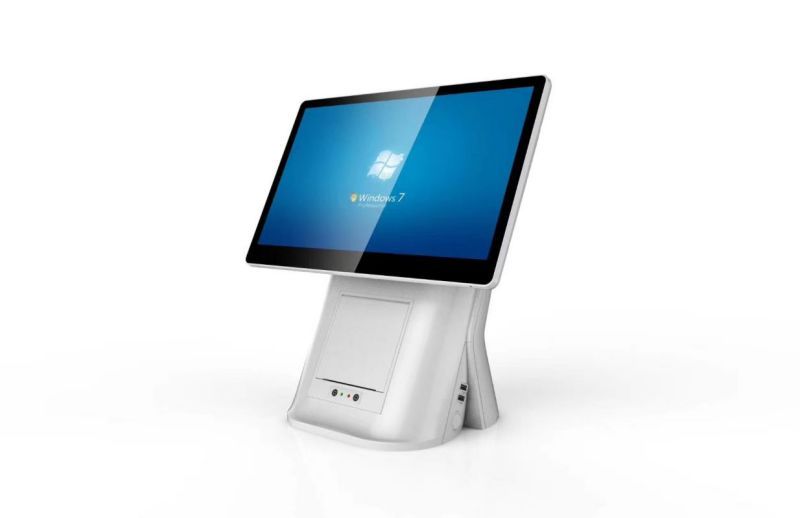
- Terminal or tablet: runs the supported sales application and staff interface.
- Scanner: captures product or customer codes that the application can interpret.
- Payment device: handles approved electronic payment through the selected provider.
- Printer: produces receipts, tickets or labels in the required format.
- Drawer and display: support cash control and customer visibility when the workflow needs them.
Check the hidden dependencies
Count suitable ports, power supplies, cable lengths and mounting space. Verify drivers, command profiles and electrical compatibility rather than relying on connector appearance. A scale used for sales by weight may have legal-for-trade requirements that vary by jurisdiction. Ask the appropriate supplier or adviser before including it in the checkout.
Approve the assembled station
Run a sale, return, receipt reprint and shift close with the proposed software. Test a lost connection and unavailable peripheral. Include licences, consumables, recovery media and spares in the purchasing list. The complete workstation is the one that performs the business's tasks reliably; optional accessories should earn their place through a clear requirement.