Kiosk Touchscreen Not Responding: A Safe Diagnostic Sequence
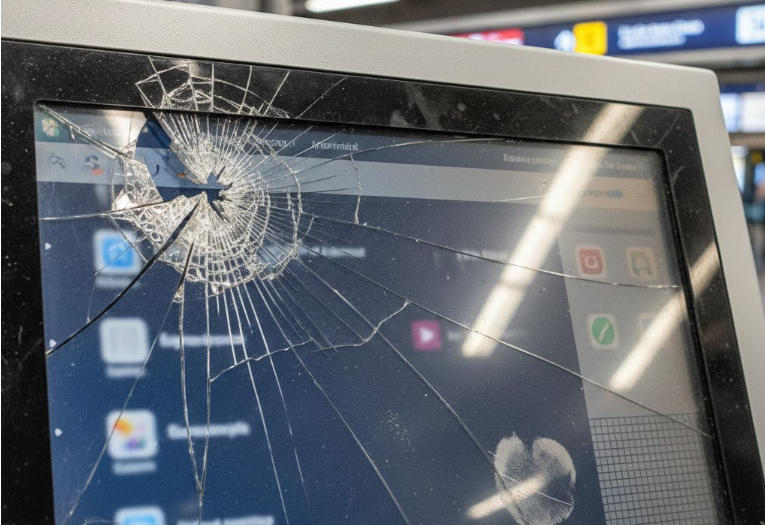
Separate display, touch-input, application and environmental faults before recalibrating or replacing a kiosk touchscreen.
A visible image with no touch response is not the same fault as a blank display or a frozen application. Identify which layer has stopped working before making changes. For banking or other controlled terminals, use only the operator's authorized service process; do not open equipment or bypass security controls.

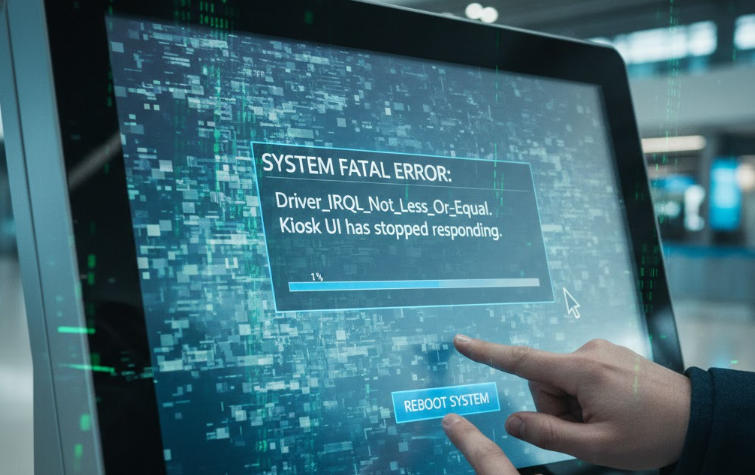

Start with noninvasive checks
Look for an application error, a blocked modal window or signs that the entire system is frozen. Check for liquid or contamination using approved cleaning instructions. If an authorized external input device can operate the application, investigate the touch path and mapping rather than the LCD panel. Record when the problem started and any recent update.
Investigate the touch layer
- Check device recognition and the correct driver using approved diagnostics.
- Verify that touch input maps to the intended screen in a multi-display setup.
- Use the manufacturer's calibration procedure only when the technology requires it.
- Inspect accessible cables without disturbing sealed or powered internal components.
- Consider grounding, electrical noise and temperature only through qualified service assessment.
Verify the repair under actual conditions
Test screen edges, common buttons and repeated interactions after restart. Reproduce the original operating conditions where safe. Preserve logs and the confirmed cause for the supplier. Replacing a panel without distinguishing a driver fault, application freeze or environmental issue may leave the kiosk with the same problem and no useful explanation.