SSD or HDD for POS: Evaluate Responsiveness, Endurance and Recovery
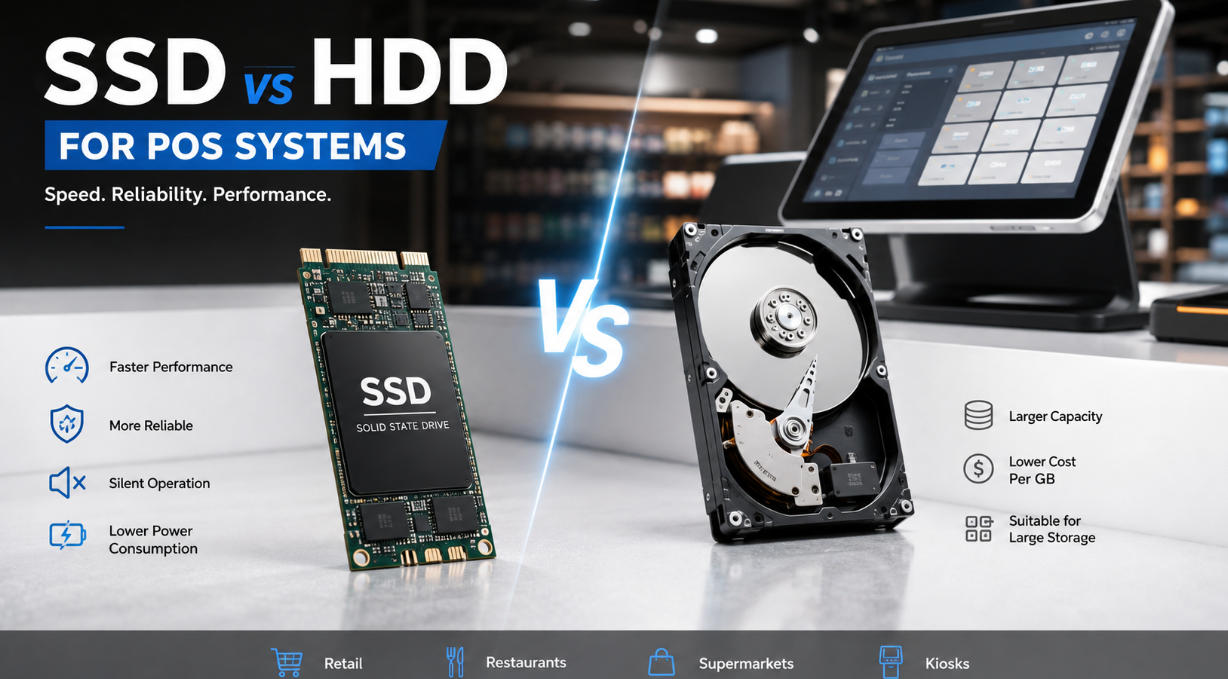
Compare SSD and HDD storage for a POS workload, including write behavior, backup, service access and supported replacement options.
Storage affects startup, application loading and local database activity. SSDs avoid mechanical drive movement and often provide more responsive access, while any storage device can fail or become unsuitable. The decision should include endurance, capacity and recovery, not an assumption that a particular drive type makes backups unnecessary.

Understand the workload
Identify how much data is stored locally, how often it changes and whether the application performs frequent writes. Leave suitable free capacity and confirm the supported interface and form factor. A small cloud-connected installation and a large local database may need different storage allowances. Use approved health tools and interpret their indicators with the supplier.
Plan replacement and protection
- Check temperature limits, mounting and electrical compatibility.
- Confirm the drive is supported by the terminal and recovery image.
- Maintain backups of required data and configuration outside the device.
- Test restoration and application licensing on an authorized spare.
- Remove or sanitize retired storage according to the information it held.
Choose from measured behavior
Compare application startup and ordinary transactions on the proposed complete system. Review write endurance and warranty conditions where relevant, without treating them as a guaranteed service life. The best storage choice keeps the workload responsive and recoverable while remaining available as a supported replacement throughout the planned deployment.