Pet Store POS: Manage Food Variants, Service Bookings and Returns
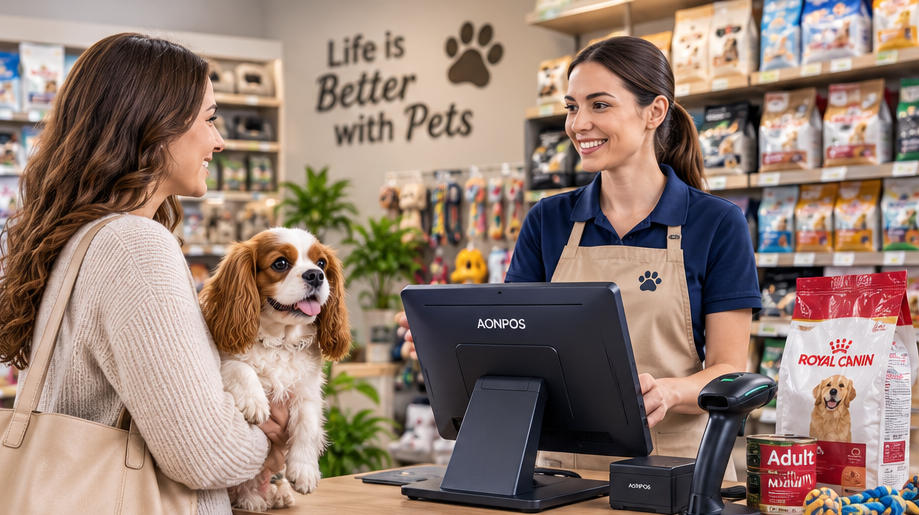
Evaluate pet-store checkout with package variants, recurring purchases, service deposits and clear return rules rather than a generic retail demo.
Pet stores may sell similar food in several sizes and formulas alongside accessories and services. Those differences should remain clear at checkout and in stock records. Begin with representative merchandise and the store's service model, then test whether the selected software and hardware support them together.

Use the real product structure
Include food formulas, package sizes and products with limited shelf life. Confirm how the application handles batches or expiry information if required; this is a software capability, not a feature supplied by a scanner. A handheld scanner can help with heavy bags, but its interface and code support should be tested on the actual packaging.
Test the mixed transaction
- Apply repeat-purchase or member offers according to the store's rules.
- Sell products alongside grooming or another service only if the application supports it.
- Record deposits and remaining balances without duplicating sales.
- Process returns with appropriate reasons and stock treatment.
- Collect only customer and pet information genuinely needed for the service.
Plan a maintainable counter
Keep fur, dust and packaging debris away from equipment and follow approved cleaning instructions. Check receipt detail, payment integration and customer-display privacy. Run a busy-period pilot and test an unavailable peripheral. A pet-store setup works well when it preserves product distinctions and service records, rather than merely presenting the same generic feature list as every other retail sector.