Hardware Store POS: Manage Units, Bulk Goods and Trade Accounts
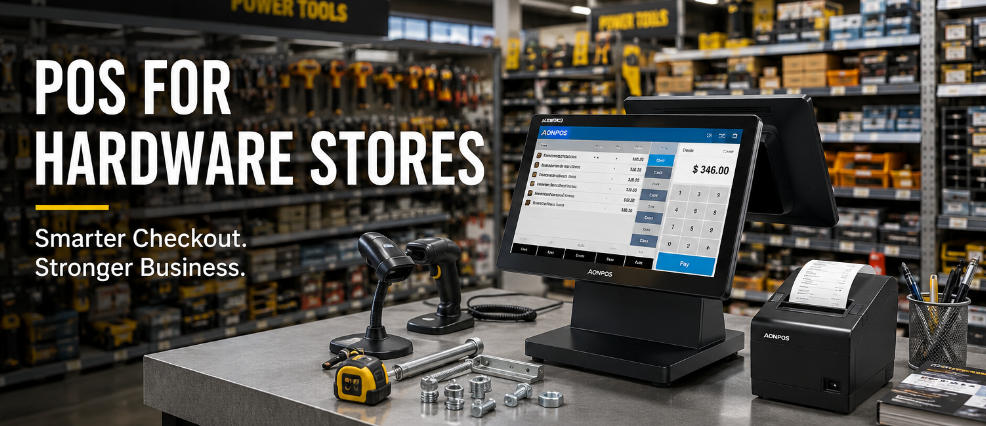
Test a hardware-store POS with mixed units, loose goods, long item descriptions and authorized customer-account workflows.
Hardware stores sell an unusually varied range: individual tools, packs, loose fasteners and goods sold by length or weight. A single basket can therefore contain several units and pricing rules. Confirm the application handles those distinctions before selecting scanners, scales or a terminal.

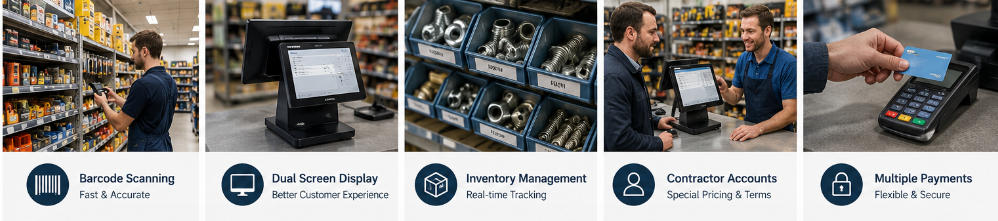
Use a difficult product set
Include similar parts, alternate package sizes, long descriptions and items without convenient labels. Test unit conversion and rounding through the approved software. If selling by weight or measure, consult qualified suppliers or advisers about applicable trade requirements. A scanner's ability to read a label does not validate the price calculation.
Check staff and customer workflows
- Use a handheld scanner for heavy goods where it improves safe handling.
- Test quotes, authorized discounts and trade accounts only if the application supports them.
- Check partial returns and package-breaking rules.
- Confirm receipt detail helps distinguish similar items.
- Restrict account adjustments and price overrides with an audit trail.
Fit the equipment to the environment
Protect the station from dust, impacts and cable damage within its rated conditions. Keep paper, scanner service access and customer payment clear of bulky merchandise. Run a shift and close-out with representative data. The right hardware-store setup keeps complex product records accurate and supports staff lookup, not merely rapid scanning of ideal labels.