Salon POS Hardware: Coordinate Appointments, Deposits and Retail Sales
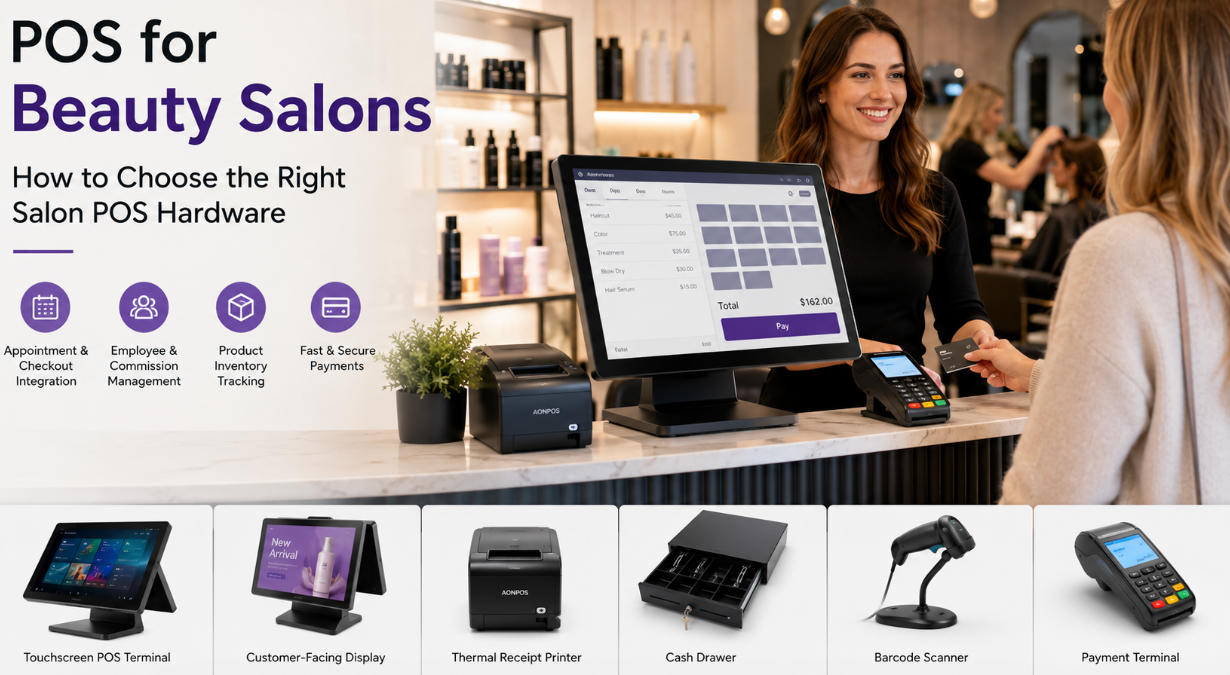
Choose salon checkout hardware by testing service attribution, deposits, retail products and privacy in the selected appointment and sales software.
Salon checkout often combines completed services, retail products and payments made earlier. The system needs to preserve the relationship between the appointment, staff member and final bill. Hardware should support that workflow comfortably, while the application handles the business rules and permissions.

Test the appointment-to-payment handoff
Confirm how a completed appointment becomes a sale, how a deposit is applied and how multiple staff services are attributed. Define cancellation, refund and commission rules with the business. Do not assume a general POS terminal includes booking or commission software. Check which application owns customer contact preferences and avoid unnecessary duplication.
Fit the reception station
- Use a display layout that handles services and scanned retail products clearly.
- Position customer payment equipment for privacy and easy reach.
- Check receipt or digital-confirmation options supported by the software.
- Restrict access to customer notes and staff financial information.
- Keep cables protected and equipment clear of liquids and chemical products.
Close the records correctly
Test a partial refund, rescheduled service and mixed product-service basket. Confirm that deposits are not counted twice and provider totals reconcile with the application. Keep a tested recovery method and support contacts for busy appointment days. A useful salon workstation supports a consistent administrative process without promising that hardware alone improves bookings or customer retention.