Pharmacy Checkout Hardware: Privacy, Scanning and Workflow Boundaries
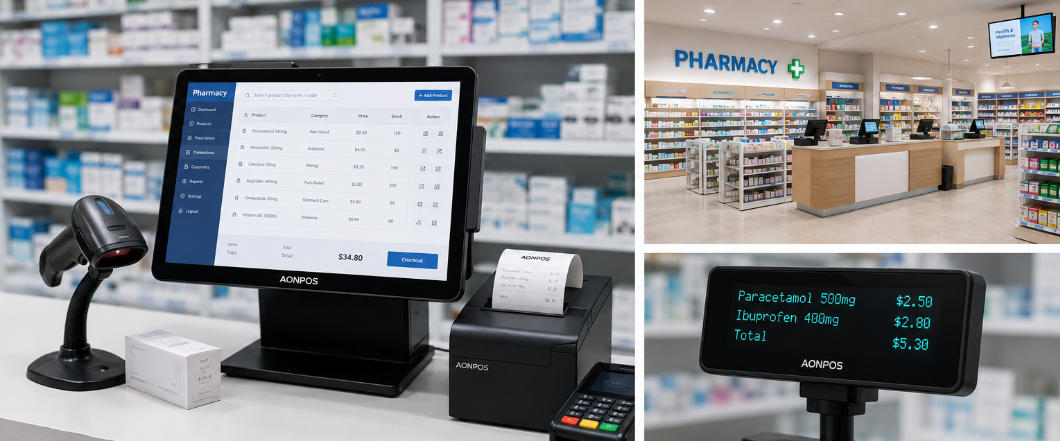
Evaluate pharmacy checkout hardware without confusing retail POS capability with prescription, insurance or clinical-system integration.
A pharmacy counter can involve ordinary retail goods alongside tightly controlled prescription or service workflows. A general POS terminal does not automatically provide clinical, insurance or dispensing capabilities. Confirm the required application integrations and applicable legal obligations with the responsible pharmacy team and qualified advisers.

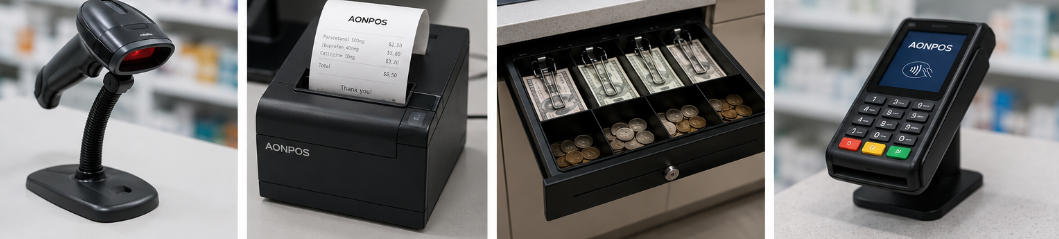
Define what belongs at checkout
Map the permitted exchange of item, prescription-reference and payment information. Minimize sensitive details shown on screens or printed receipts. Check who may access each application and whether staff identity carries across systems safely. Do not use a customer-facing display for information that should remain private.
Validate the physical station
- Test the relevant barcode formats and small package labels with approved sample data.
- Check receipt content, printer character support and any required label workflow.
- Position displays and payment equipment to protect customer privacy.
- Use manufacturer-approved cleaning materials and avoid spraying electronics.
- Verify application, operating-system and peripheral support in writing.
Test recovery with the workflow owner
Run cancellation, refund and interrupted-service scenarios without using real patient data in a test environment. Confirm what staff should do when one application is unavailable. Keep logs and exports restricted. A pharmacy hardware plan should support an approved business process and preserve privacy, not claim that purchasing a particular terminal establishes regulatory compliance.