Why a Kiosk Feels Slow: Locate Input, Application and Network Delays
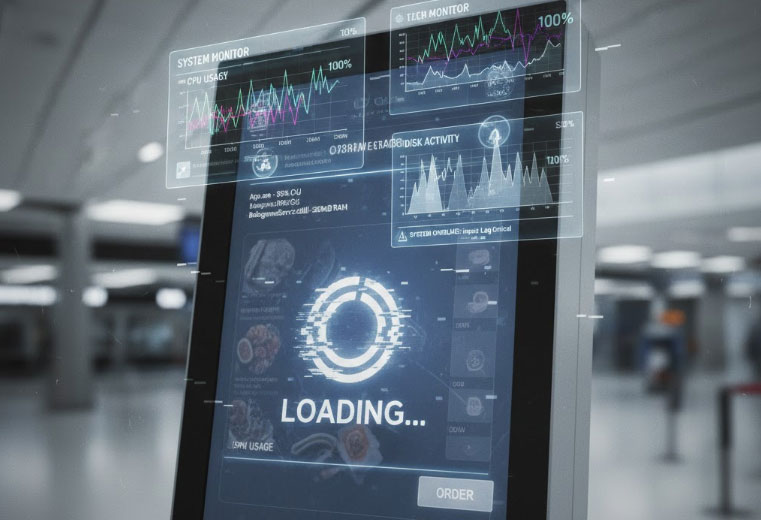
Measure where a kiosk response is delayed before changing hardware, from touch input and rendering to API calls and storage pressure.
A slow kiosk can be waiting for touch input, struggling to render an interface or waiting on a remote service. These faults feel similar to the customer but need different remedies. Measure the interval between a user action, application response and service result before replacing components.

Find the slow stage
Compare a local screen action with a transaction that calls the network. Review application timing, CPU and memory use, storage activity and relevant logs. Check whether the delay affects every interaction or only one workflow. Avoid adding multiple monitoring agents that themselves overload a resource-limited terminal.
Investigate likely bottlenecks
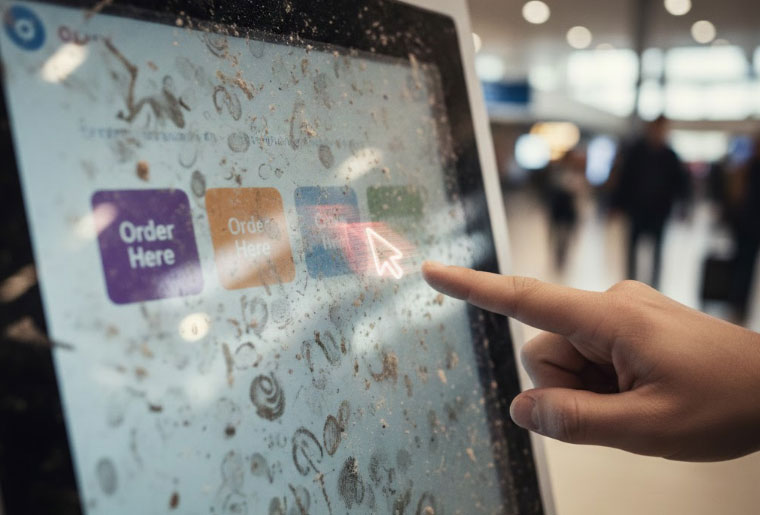
- Input: check touch events and whether an overlay blocks the intended control.
- Rendering: reduce oversized media and unnecessary animations where profiling shows a problem.
- Application: look for blocking operations, repeated queries or accumulating memory use.
- Network: measure service response and timeouts rather than relying on a speed-test result alone.
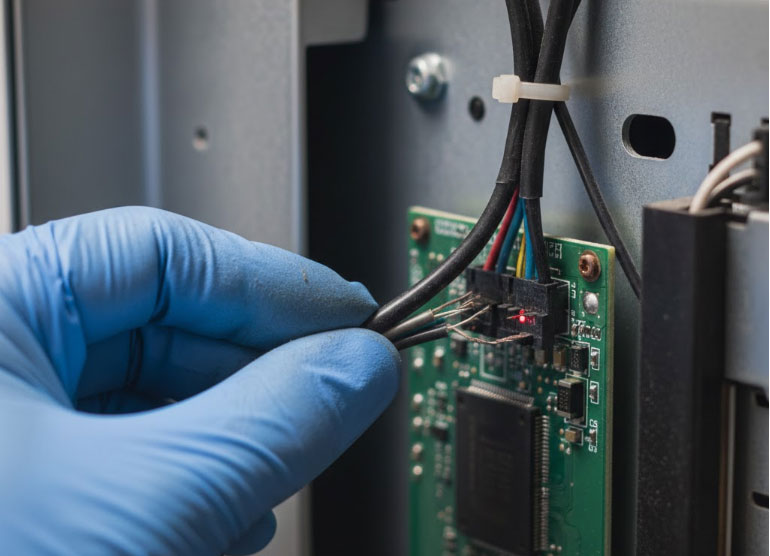
- Platform: inspect storage health, thermal throttling and supported driver versions.
Retest after one controlled change
Use the same workload and record before-and-after timings. Add visible progress for operations that legitimately take time, while preventing duplicate submissions. Define an error and recovery route when a service does not respond. A processor upgrade may help a measured local bottleneck, but it will not repair a slow backend or an application that blocks its interface while waiting indefinitely.