IP65 POS Terminals: What the Claim Covers and What It Does Not
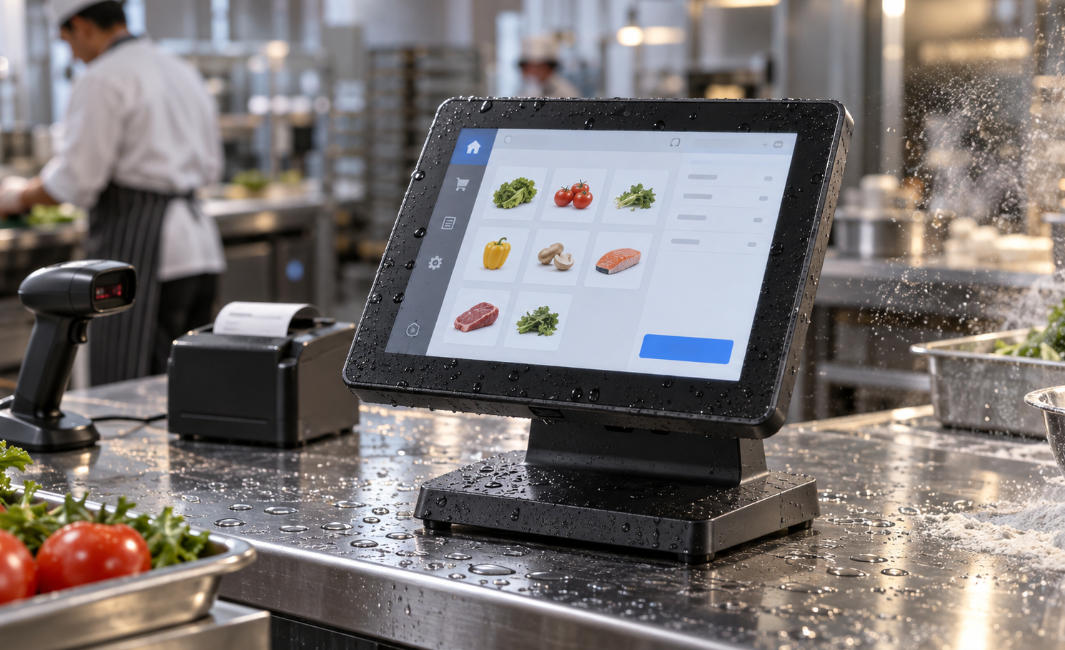
Verify an IP65 POS claim against the tested surfaces, fitted accessories and cleaning conditions before using it in a demanding environment.
An IP65 claim should identify exactly what was tested. Some POS products specify protection for the front panel rather than the complete terminal, connectors and stand. That distinction matters at a wet or dusty counter. Ask for model-specific documentation and relate it to the proposed installation and cleaning process.

Check the scope of protection
Confirm the rated surfaces, cable entries, ports and any fitted readers. An ingress-protection test does not automatically establish resistance to detergents, corrosion, impact, steam or high temperatures. Do not interpret it as permission to immerse equipment or use pressure washing. Follow the manufacturer's approved cleaning method and operating limits.
Inspect the installation
- Keep unprotected power and network connections away from expected exposure.
- Check seals and service covers after authorized maintenance.
- Confirm accessories have compatible environmental limits.
- Avoid changes that obstruct ventilation or bypass the tested enclosure design.
- Obtain qualified advice for electrical installation and site-specific hazards.
Maintain the evidence
Record the exact model and configuration, inspection routine and approved cleaning products. Review suitability after a new accessory or counter-layout change. A front-panel rating can be useful, but it is not a blanket guarantee for the entire workstation. Purchase the complete protection arrangement the site needs rather than relying on a prominent rating in a product headline.