Protecting a Desktop POS: Physical Care, Access Control and Recovery
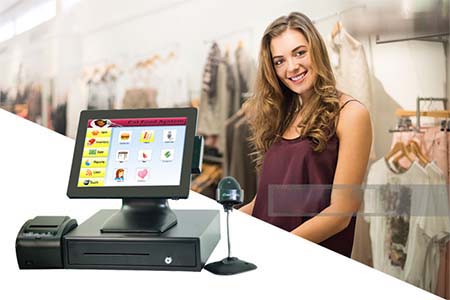
Build a practical protection routine around the checkout terminal, from cable routing and cleaning to staff permissions and tested backups.
Protecting a desktop POS means keeping it usable as well as keeping it secure. A locked account will not prevent a spilled drink from interrupting trade, and a clean screen will not prevent an unauthorized refund. Give physical care, access permissions and recovery procedures separate owners.

Make the counter a safer operating environment
Keep drinks and cleaning containers away from electrical connections. Route cables so drawers and moving equipment cannot pinch them, and leave the manufacturer's ventilation clear. Use only cleaning materials approved for the display and enclosure; apply them to a cloth rather than spraying the terminal. Shut down and disconnect equipment before maintenance where the manual requires it.
Limit what each account can do
- Give cashiers individual accounts so transactions can be traced without shared passwords.
- Reserve refunds, price overrides and configuration changes for authorized roles.
- Restrict operating-system administration and remote support access; remove access when staff leave.
- Schedule supported software updates and test peripheral operation before deploying them across every till.
Prepare for a failure before it happens
Keep recovery instructions, device inventories and support contacts accessible when the POS is offline. Back up the data and configuration that the software supplier identifies as necessary, then test restoration on an authorized spare system. A backup that has never been restored is an assumption, not a recovery plan. Review the process after hardware changes and teach staff how to report suspicious behavior without exposing payment or customer information.