Operating a Retail POS: A Safe First-Shift Checklist
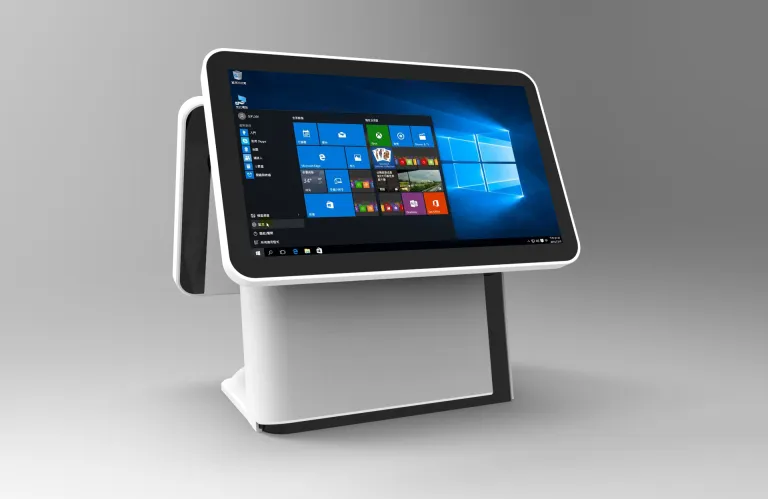
Follow a practical first-shift routine for item entry, payment confirmation, receipts and close-out while respecting permissions and uncertain transaction states.
Learning a POS is easier when the transaction is broken into a repeatable sequence. Screens and button names differ by application, so follow the store's training and provider instructions. Do not experiment with refunds, payment settings or administrator accounts during live trading.

Before serving the first customer
Sign in with your own authorized account. Confirm the starting cash procedure, receipt paper and scanner operation using the approved test process. Check where to ask for help and how the application marks a completed sale. Never use a real customer's card to test an unfamiliar payment workflow without the provider's approved procedure.
Complete an ordinary sale
- Scan or select items, then check quantity and product description.
- Apply only authorized discounts and verify the total with the customer.
- Choose the correct payment method and wait for a confirmed result.
- If the result is uncertain, follow the status-check process instead of immediately charging again.
- Issue the receipt and close the transaction before starting the next customer's basket.
Finish and escalate correctly
Use the application's authorized return or reprint function rather than inventing a workaround. At shift close, reconcile cash and payment records according to store policy, record discrepancies and sign out. Report errors with the time and visible message, without photographing sensitive card information. Consistent habits protect both the customer and the transaction record while you learn the interface.