Adding a Barcode Module to an Android POS: Integration Checks Before Launch
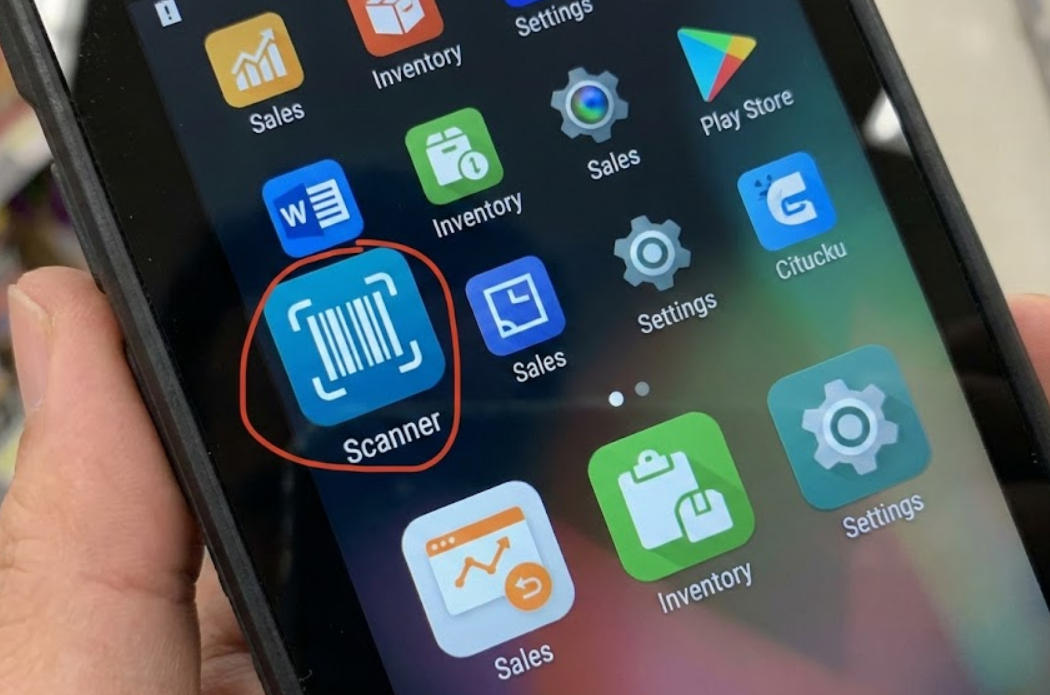
Validate barcode formats, scan events, physical placement and application mapping when adding a scanner module to an Android POS terminal.
An integrated barcode module can simplify a counter, but scanner integration has several layers. The camera or scan engine must capture the code, the Android device must expose it through the supported interface and the POS application must interpret it correctly. Test all three layers with the real product range.

Define the codes and operating conditions
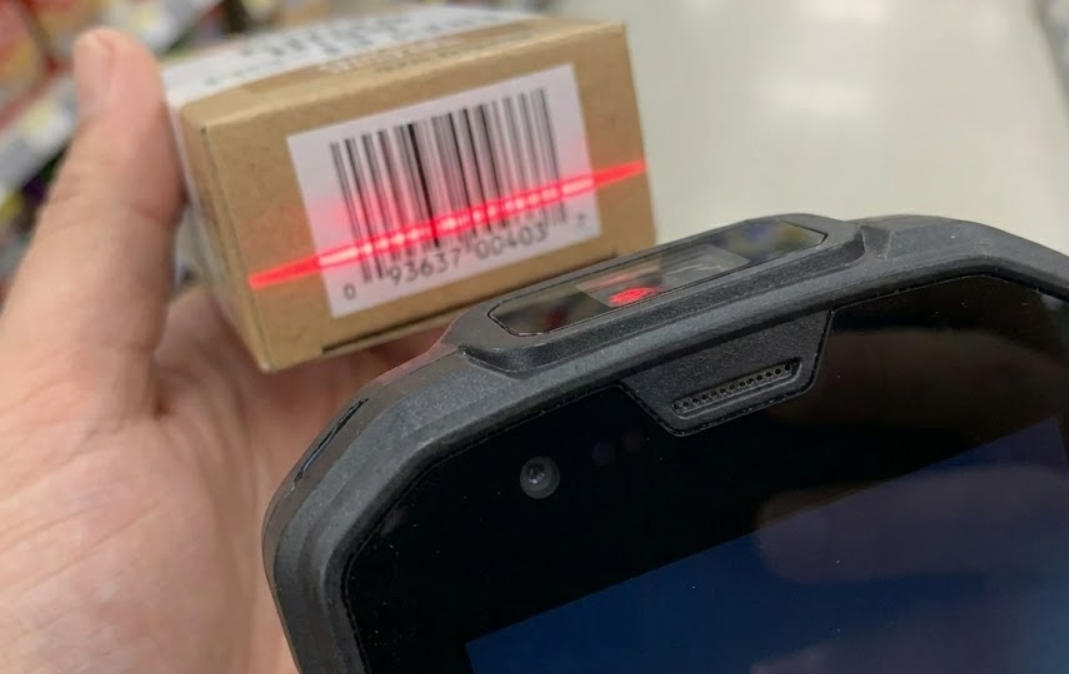
List the one- and two-dimensional formats used by the business, including codes shown on customer phones if required. Test curved, small, reflective and partly damaged labels within the scanner's rated limits. Confirm aiming, reading distance and ambient-light behavior. Do not promise that every barcode is readable simply because the module supports a broad format list.
Verify the event path
- Confirm the module, firmware and Android SDK version match the approved image.
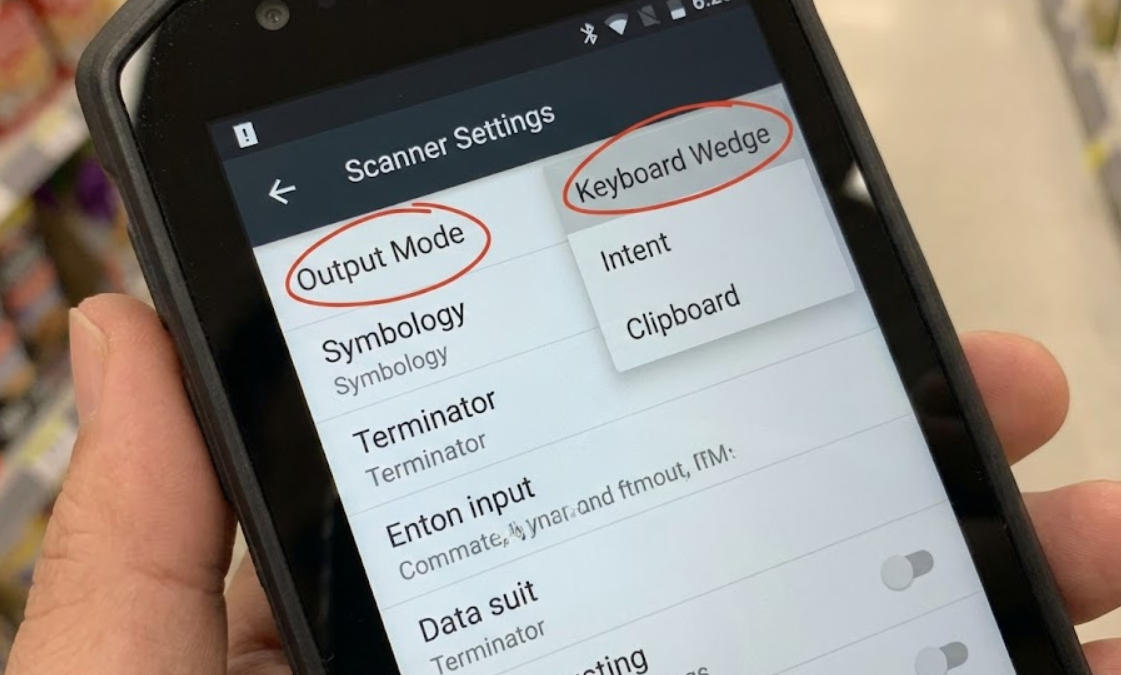
- Check whether scans are delivered as keyboard input, an intent or a vendor API.
- Prevent duplicate events and define behavior when a scan arrives outside an active basket.
- Map prefixes and suffixes to the application without changing product identifiers unexpectedly.
- Test disconnect, permission changes and restart recovery.
Accept it with real stock data
Run normal sales, quantity changes, returns and unreadable-code assistance. Compare the scanned value with the product record before confirming the price. Record the fitted module and settings for future repairs. A barcode scanner is an input component, not an inventory system; dependable results require clean product data and a software workflow that handles exceptions clearly.