Mobile, Handheld and Fixed POS: Choose the Right Checkout Form
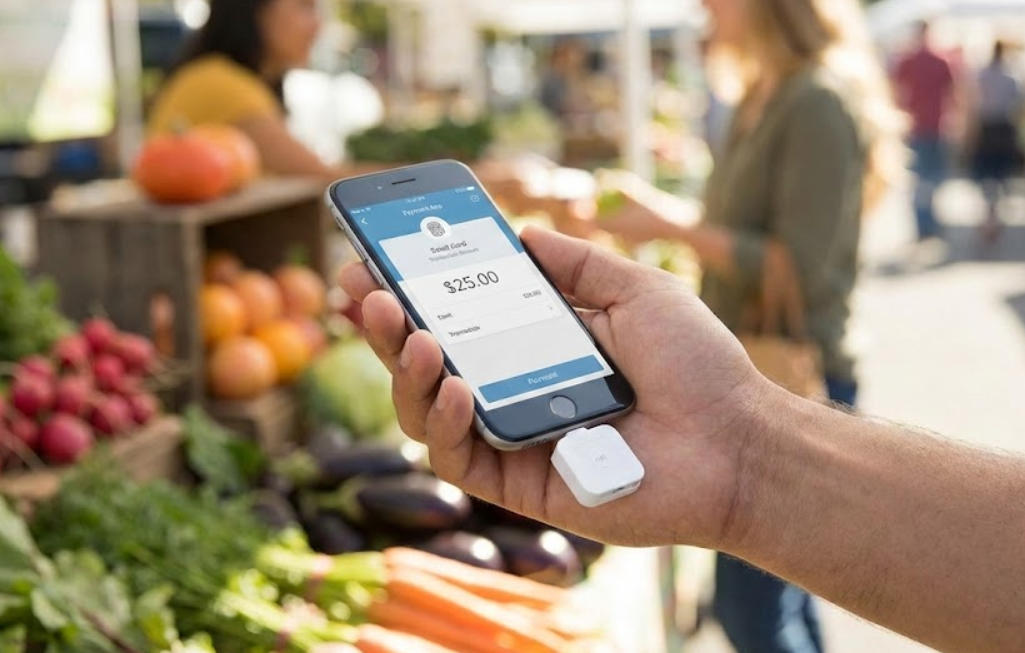
Compare mobile, handheld, mPOS and fixed terminals by movement, peripheral needs, connectivity, battery management and transaction control.
A mobile POS can shorten queues, while a fixed terminal can provide a stable workspace with wired peripherals. Handheld devices sit between these models. The right form depends on where staff work and which parts of the transaction must remain available when the network or battery is under pressure.

Map the movement in the workflow
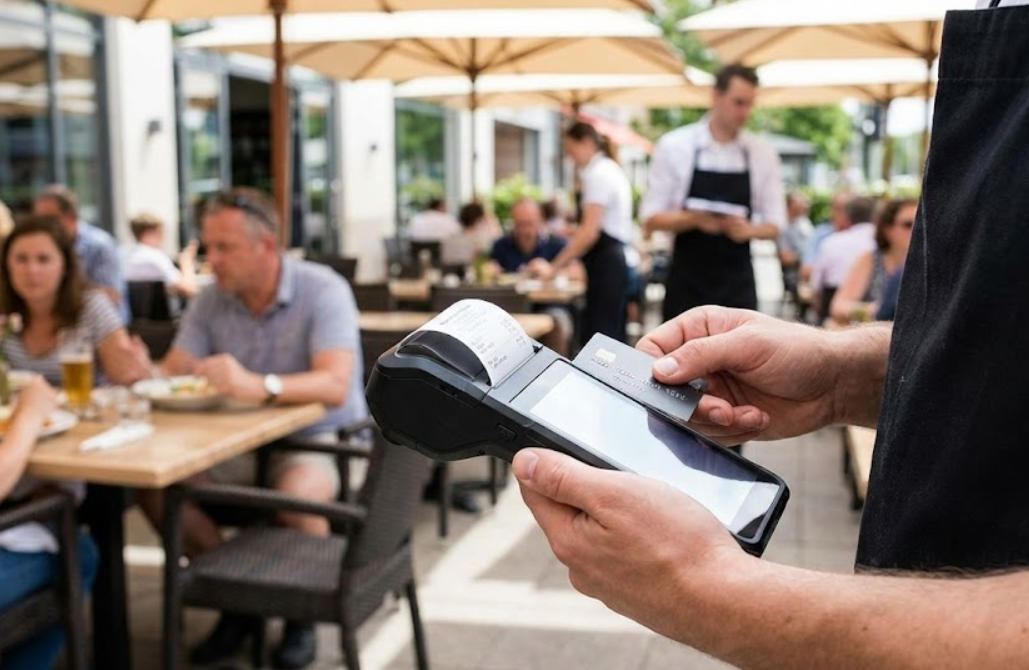
A restaurant server may need to capture an order at a table, while a retailer may only need occasional queue-busting. Record distance from charging points, expected shift length and the devices carried with the worker. A mobile screen is not a substitute for a receipt printer, cash drawer or customer display when those outputs remain necessary.
Compare the operating constraints
- Mobile: verify battery, cellular or Wi-Fi coverage, protective case and lost-device controls.
- Handheld: test scanner ergonomics, drop handling, charging and staff authentication.
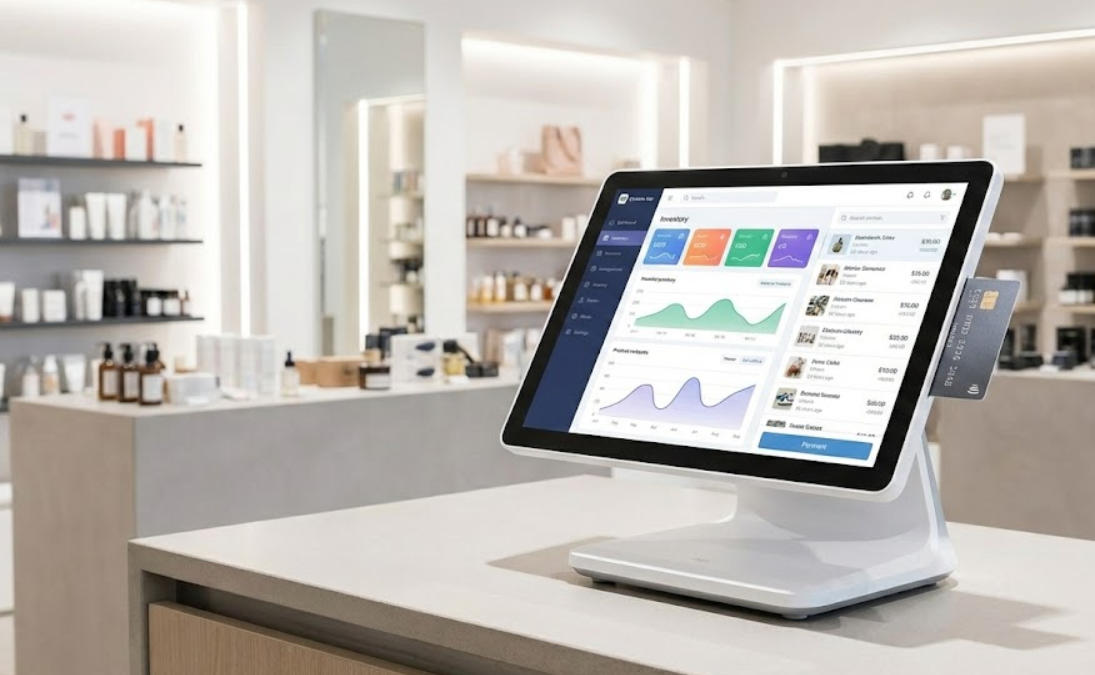
- Fixed: confirm counter space, port count, cable service access and long-hour thermal behavior.
- All forms: validate payment approval, data protection, offline rules and recovery of interrupted transactions.
Pilot where staff actually work
Observe travel time, login frequency, scan accuracy and handoff to payment. Check that a device can be sanitized or protected as required. Compare support and replacement logistics, not just purchase price. A mixed estate can work well when each form has a clear role and the application keeps transaction and stock records consistent across them.