Choosing Supermarket POS Software: A Procurement and Migration Plan
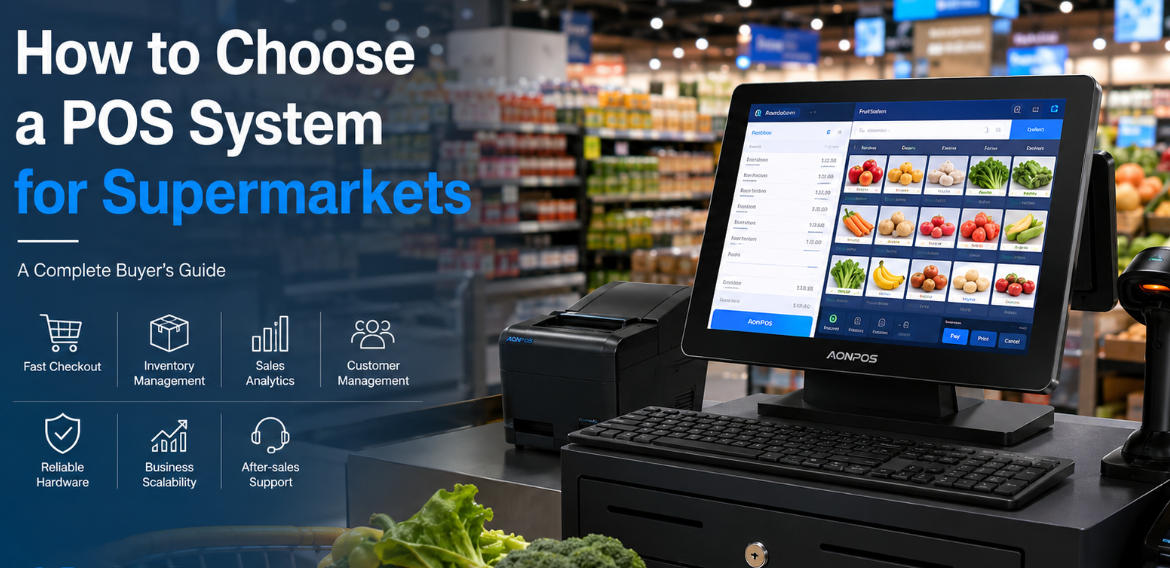
Evaluate supermarket POS through product-data quality, pricing rules, scale integration, rollout control and stock reconciliation.
A supermarket POS change affects product records, pricing, stock and staff habits across the store. Treat it as a controlled migration rather than a terminal swap. Begin by documenting the current data and the rules that must remain correct on the first trading day.

Prepare the data and workflows
Review product identifiers, variants, unit pricing, tax settings and promotion rules. Resolve duplicate records and agree how opening stock is established. Map weighted goods and scale labels with the relevant suppliers. Confirm what historical sales and return records must remain available, and who verifies the imported result.
Test the software with the lane hardware
- Run mixed baskets with multipacks, coupons and changed quantities.
- Test returns, manager overrides and restricted-item handling where applicable.
- Verify printer, drawer, customer display and payment integration.
- Check stock movement and reconciliation after a network interruption.
- Measure busy-period responsiveness using representative product data.
Roll out with a fallback
Pilot one lane or store, train staff and schedule a controlled cutover. Keep recovery images, support contacts and an agreed rollback decision. Compare results after the first close and inventory review. A supermarket system should be chosen for correct, supportable operation through migration and daily exceptions, not simply for the longest list of advertised features.