Kiosk Connectivity Behind VPNs and Firewalls: Diagnose Without Disabling Security
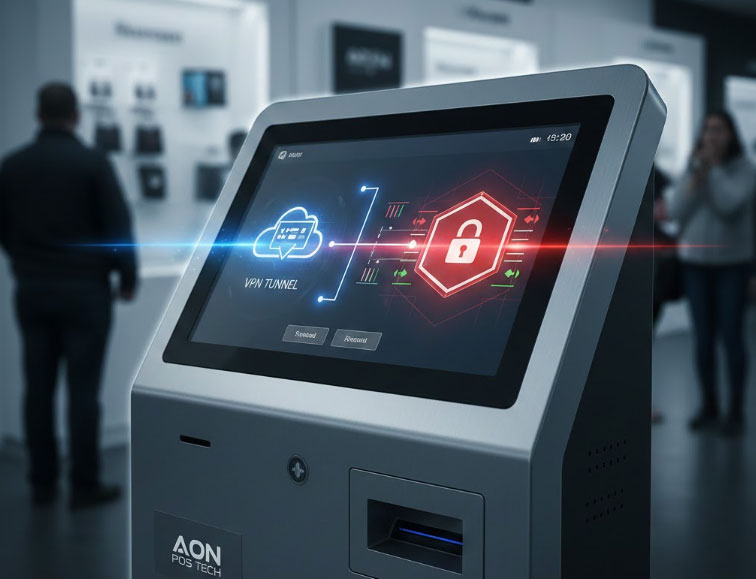
Troubleshoot DNS, routes, certificates and permitted service endpoints while keeping kiosk network controls in place.
A kiosk can have a working network link and still fail to reach its application services. VPN routing, DNS, proxy settings and firewall rules may each affect a different part of the connection. Diagnose the required path with the network administrator instead of disabling protection or exposing the kiosk directly to the internet.

Map the required connections
List application, management and payment endpoints with the owning providers. Confirm names, ports and certificate requirements from official integration documentation. Check system time because incorrect time can break certificate validation. Establish whether the VPN should carry all traffic or only selected services; an unintended route can make one component work while another fails.
Collect targeted evidence
- Confirm link status and assigned network configuration through authorized diagnostics.
- Test name resolution and permitted service access separately.
- Review firewall and VPN logs for the specific blocked connection and timestamp.
- Check proxy authentication, certificate trust and renewal behavior.
- Avoid logging credentials, private keys or payment payloads while troubleshooting.
Apply the narrowest approved change
Ask the network team to update only the required routes or endpoint permissions. Retest application start-up, payment, monitoring and recovery after VPN reconnect. Keep configuration changes documented and review them when service endpoints change. A successful workaround that leaves security controls disabled is not an acceptable production repair, even if it makes the kiosk appear online temporarily.