Preventing Kiosk Freezes: Watchdogs, Resource Limits and Recoverable Sessions
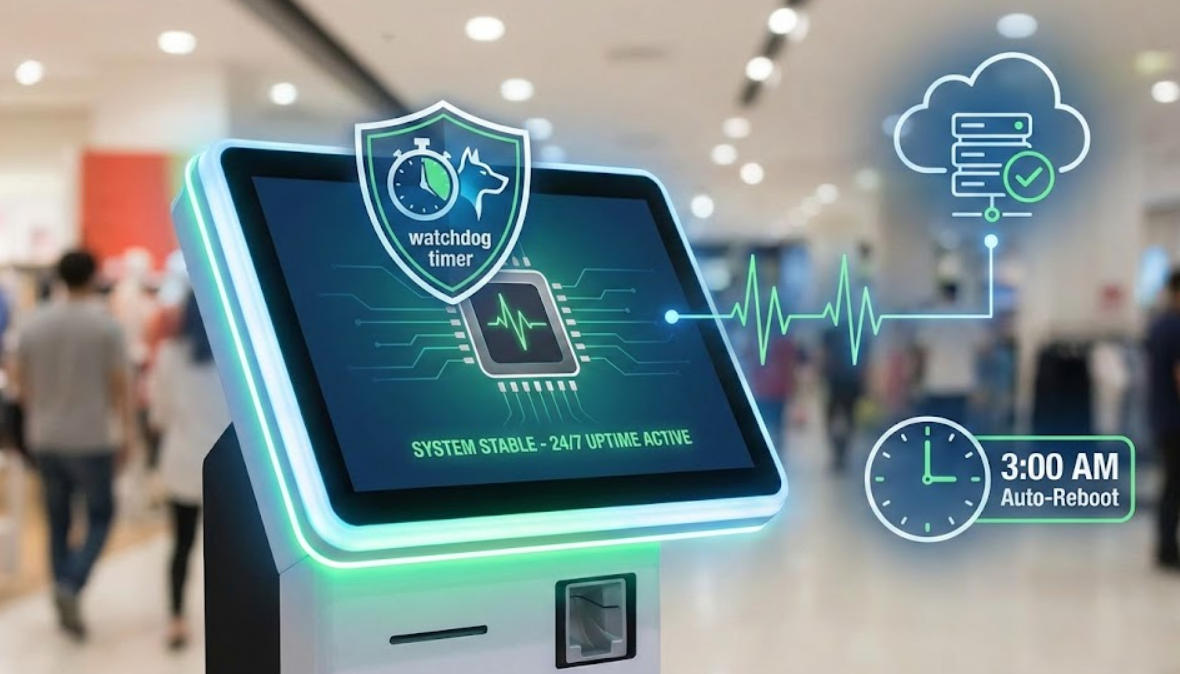
Reduce kiosk freezes with monitoring and controlled recovery while protecting unfinished transactions from duplicate or lost actions.
A watchdog can restart an unresponsive application, but restarting is not the same as recovering safely. A kiosk may freeze after a payment request or during ticket issuance. The application needs a durable record of what happened so that a restart does not create a second charge or lose a completed transaction.

Investigate before scheduling automatic restarts
Collect resource use, storage status, event logs and the circumstances of the freeze. Look for memory growth, blocked service calls, driver problems and thermal limits. Use supported diagnostic tools and protect sensitive information in logs. Routine reboots may mask a defect without explaining it, so retain evidence that helps the software or hardware owner reproduce the issue.
Design layered recovery
- Use application health checks that detect stalled work, not merely an existing process.
- Limit retries and timeouts for unavailable services.
- Persist transaction references before external actions where the integration requires it.
- Reconcile uncertain payment or fulfilment states through the provider's supported process.
- Escalate repeated failures instead of allowing an endless restart loop.
Validate the restart path
Test process crashes, network loss and safe simulated power interruption in a controlled environment. Verify session cleanup and the next customer's privacy. Confirm remote alerts reach a responsible team and that a local fallback exists when recovery fails. Reliability improves when the cause is addressed and recovery preserves business state, not when the screen simply returns to its welcome page.