Bulk Kiosk Purchasing: Four Controls Before the Production Order
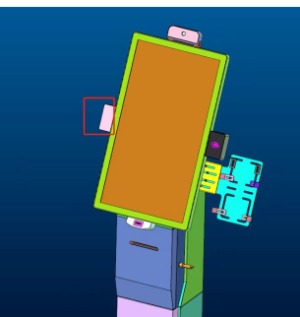
Control a volume kiosk purchase with a reference build, site survey, acceptance plan and practical support arrangement.
A kiosk sample can work well while a volume rollout still fails. Differences between locations, unapproved substitutions and missing service arrangements often appear only after shipment. Before placing a bulk order, establish four controls that connect the approved sample to each installed unit.

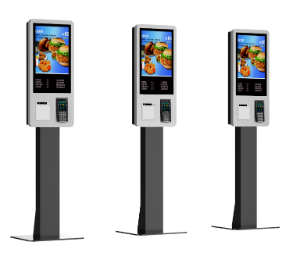
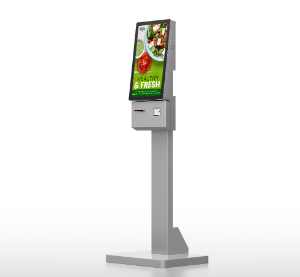
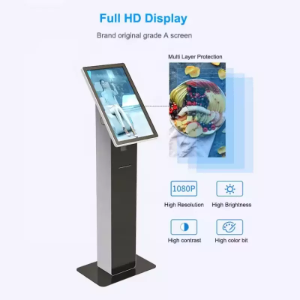
The four controls
- Reference build: approve the bill of materials, image, peripheral firmware and enclosure drawings.
- Site readiness: confirm power, network, anchoring, access and environmental conditions at each location.
- Acceptance: agree batch checks and a complete transaction test, including payment and device faults.
- Support: assign installation, remote management, spare stock and authorized repair responsibilities.
Make variation visible
If different sites need different scanners, payment devices or power accessories, maintain a configuration matrix rather than allowing informal substitutions. Confirm destination requirements with qualified advisers. Track serial numbers and hardware revisions so an incident can be linked to the affected build. Keep the approved sample available for comparison throughout production and rollout.
Stage the deployment
Install an initial group before releasing the remaining equipment to every site. Review customer completion, service access and recovery behavior under real conditions. Include packaging, freight, subscriptions and replacement logistics in the cost model. Bulk purchasing should reproduce a proven service, not multiply unresolved assumptions that were overlooked during a short demonstration.