Electronics Store POS: Link Serial Numbers, Returns and High-Value Sales
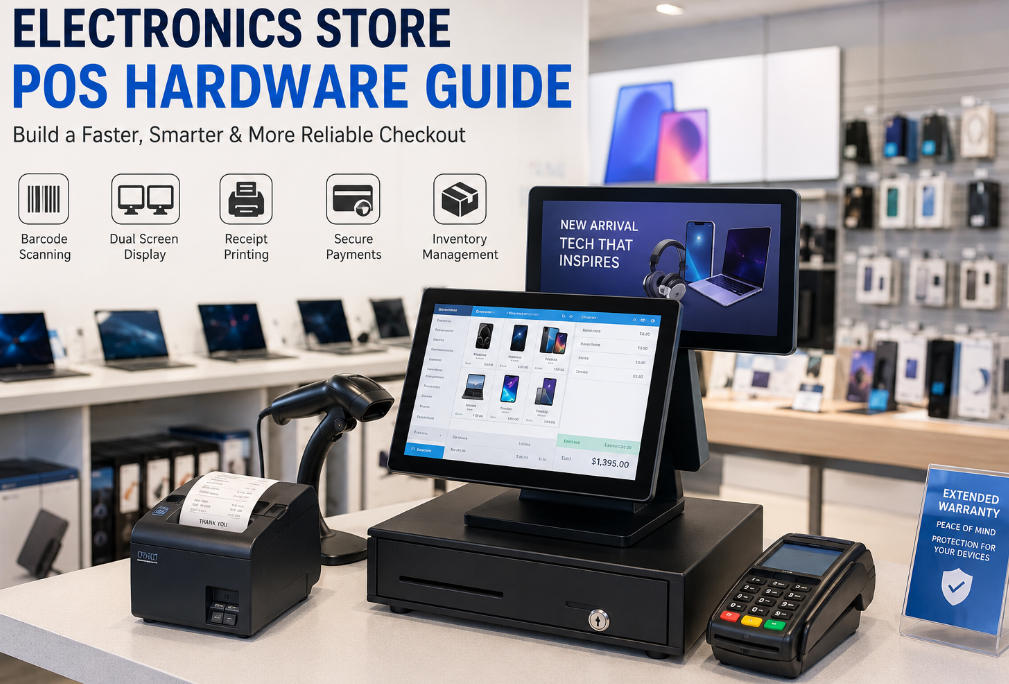
Plan electronics checkout around product serials, bundled services, authorization and clear records, then validate the scanner and receipt workflow.
Electronics retail often needs to distinguish the product type from the individual unit sold. Serial numbers, accessories, warranties and installation services may all belong to one basket. Confirm the required software records first, then choose hardware that captures and presents them reliably.

Keep identifiers distinct
A product barcode identifies a model or SKU, while a serial number may identify one physical unit. Test how both are captured and linked to the sale. Avoid collecting unnecessary customer or device information. If warranty or finance services are involved, verify their provider-specific workflows and permissions rather than assuming the POS includes them.
Run representative exceptions
- Sell a device with accessories and a separately priced service.
- Return one serialized unit and check the original-sale reference.
- Handle partial refunds and authorized discounts.
- Scan small or reflective labels and long serial strings.
- Confirm receipt detail without exposing sensitive information.
Control a high-value workstation
Use individual staff accounts and manager approval where appropriate. Validate payment status before releasing goods when a result is uncertain. Check scanner, printer and customer-display integration on the approved image. Keep audit records and support contacts accessible. A dependable electronics checkout combines accurate unit-level records with a practical counter layout, not merely a powerful terminal.