Remote Kiosk Recovery: What Can Be Fixed Without Sending a Technician
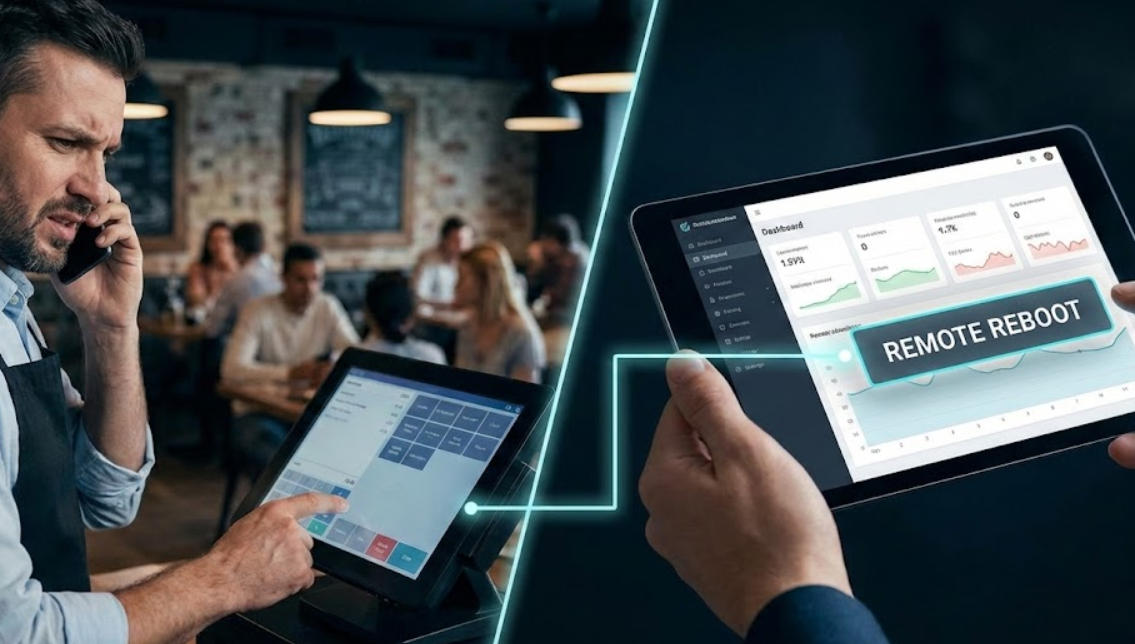
Define a secure remote-recovery scope for kiosks, separating application restarts and diagnostics from repairs that require local inspection.
Remote management can restore a kiosk quickly, but it cannot safely repair every physical or transaction problem. Establish what the support team may inspect, restart or update, and what requires a person at the site. Remote convenience must not weaken access control or hide an uncertain payment state.

Create a controlled support channel
Use named service accounts, least privilege, multi-factor protection where supported and an audit trail of changes. Keep device identity and software version visible to the support team without exposing customer content. Restrict network paths and disable remote access when the device is retired or its maintenance window ends.
Separate recovery actions by risk
- Low risk: collect health status, application logs and device uptime with sensitive values filtered.
- Controlled: restart an application, refresh a managed configuration or reconnect a supported service.
- High risk: change payment settings, firmware, network policy or data stores only under an approved procedure.
- Local: inspect paper, cables, damage, weather exposure or a failed display at the site.
- Uncertain payment: query the provider's transaction state before any retry.
Verify after recovery
Confirm the kiosk is ready, the previous session is cleared and monitoring has returned. Record the cause and action so repeated incidents can be analyzed. A remote restart is useful when the application is stuck; it is not proof that the underlying hardware, network or integration is healthy.