RJ45 on a Kiosk: Ethernet Capability and Network Checks
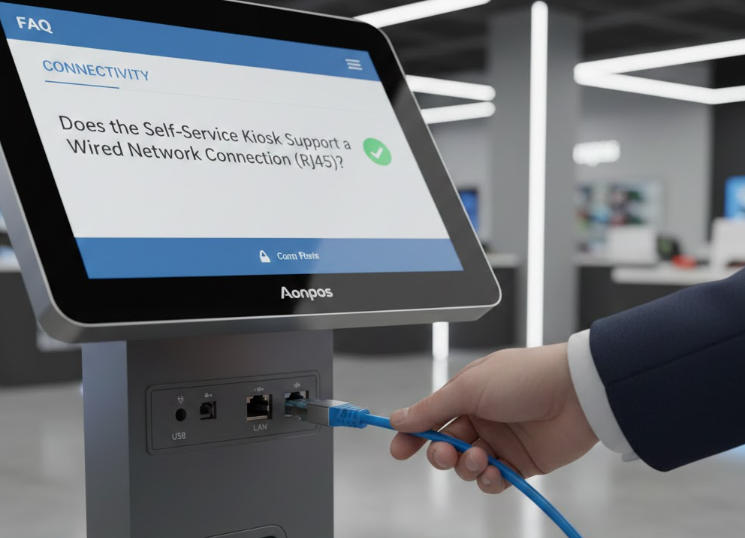
Confirm what an RJ45-style connector actually supports and validate wired networking, configuration persistence and recovery on the installed kiosk.
An RJ45-style connector commonly carries Ethernet on a kiosk, but connector appearance alone does not establish its function. Confirm the port designation in the model's documentation before connecting it. Other POS interfaces can use similar-looking connectors, and connecting the wrong device can create an electrical fault.

Verify the port and network requirements
Check supported Ethernet speed, driver availability and whether the port serves the main computer or a separate module. Confirm the required cable and switch configuration with the network team. Power over Ethernet is not implied by the presence of an Ethernet port; it must be explicitly supported by the device and installation.
Test more than link lights
- Confirm address assignment, DNS and access to approved application endpoints.
- Check that settings remain correct after reboot and a cable reconnect.
- Review VLAN, firewall, proxy or VPN requirements through authorized network administration.
- Avoid attaching a payment device or drawer to a port based only on physical fit.
- Record port labels and cable routes in the installation documentation.
Plan for a broken connection
Disconnect the network during a controlled test and verify the application's timeout, status query and recovery behavior. Do not assume a successful local screen interaction means the backend received the transaction. Wired Ethernet can provide a stable link, but reliable service still depends on the switch, network policy, remote systems and the application's handling of interrupted communication.