POS Compatibility Testing: A Matrix for Software, Drivers and Devices

Build a repeatable compatibility test covering operating systems, peripheral interfaces, payment integration and recovery before deploying POS hardware.
A matching connector is only the first layer of compatibility. A receipt printer may connect over USB while lacking a supported driver, and a payment device may require a particular application integration. Build a compatibility matrix before ordering so every dependency has an owner and an evidence-based approval.

Record the exact versions
List the terminal revision, operating-system edition, application version and each peripheral's firmware and driver. Identify processor architecture and any required runtime or middleware. Separate manufacturer claims from tests completed by your own team. A result on one Windows or Android build should not be generalized to every edition or future update.
Test behavior, not recognition alone
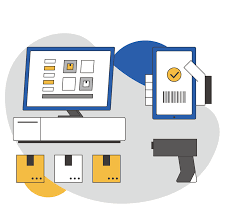
- Scanner: validate barcode formats, suffixes and the application's item lookup.
- Printer: test layout, character sets, cutter operation and offline recovery.
- Drawer and display: verify the authorized trigger and correct transaction content.
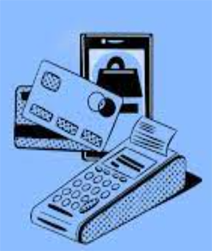
- Payment: use the provider's approved test process for success, cancellation and uncertain results.
- Networking: test address persistence, reconnect behavior and any required firewall rules.
Keep a signed reference configuration
Repeat critical tests after a restart, update or component change. Store the approved image, drivers and test results with a revision identifier. For volume deployments, prohibit unreviewed substitutions and maintain a rollback plan. This matrix turns compatibility from a vague promise into a repeatable acceptance process and helps support teams identify which layer changed when a previously stable station develops a fault.