Coffee Shop POS Hardware: Keep Modifiers and Barista Handoffs Clear
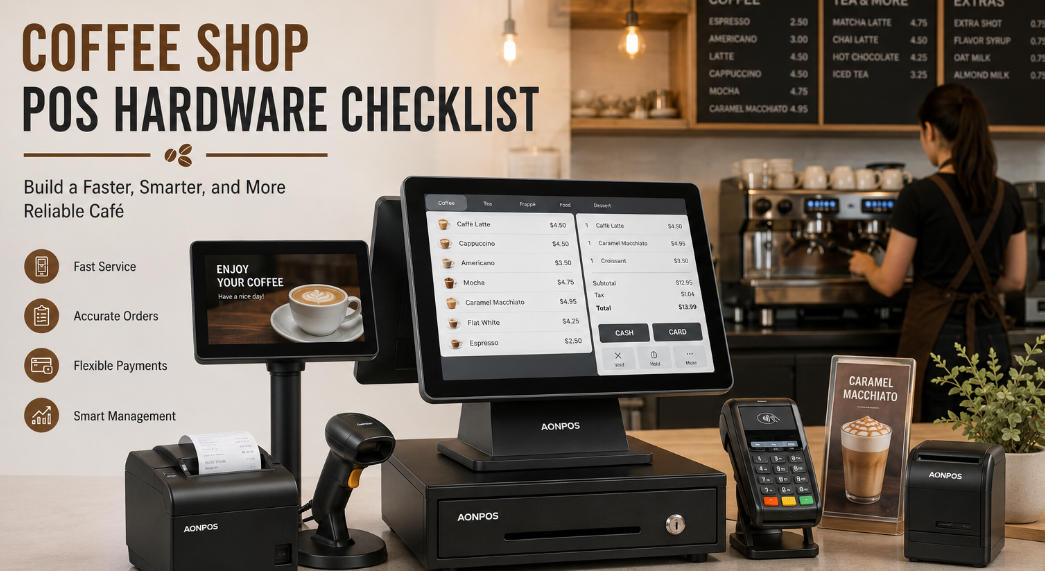
Build a café workstation around drink modifiers, order routing, customer payment and practical cleaning rather than selecting devices independently.
A café sale is short, but the order can contain several important choices: size, milk, temperature, extra shots and collection name. The POS should communicate those choices clearly to preparation without slowing the counter. Start with the menu and handoff process before choosing the terminal and printers.

Test the drink order
Enter common combinations and confirm that required modifiers cannot be skipped accidentally. Check how changed and cancelled orders reach the barista. If a kitchen display or ticket printer is used, verify acknowledgement and the response to a disconnected device. A customer receipt is not necessarily the preparation instruction.
Plan the counter equipment
- Test screen layout and touch targets with the real menu.
- Place the terminal and printer away from direct steam, spills and heat within rated limits.
- Keep payment, receipt collection and pickup traffic from obstructing each other.
- Use approved cleaning materials and allow service access to paper and cables.
- Confirm tip, split-payment and refund behavior through the selected provider where required.
Rehearse a rush and an outage
Run consecutive orders with similar names and changed modifiers. Test a failed printer and an uncertain payment result, then train staff on the fallback. Include network, subscriptions and spares in the purchasing plan. Dependable café hardware makes the order flow easier to follow; it does not replace clear menu data and a well-defined preparation process.