Cloud POS vs Local POS: Compare Data Ownership and Failure Behavior
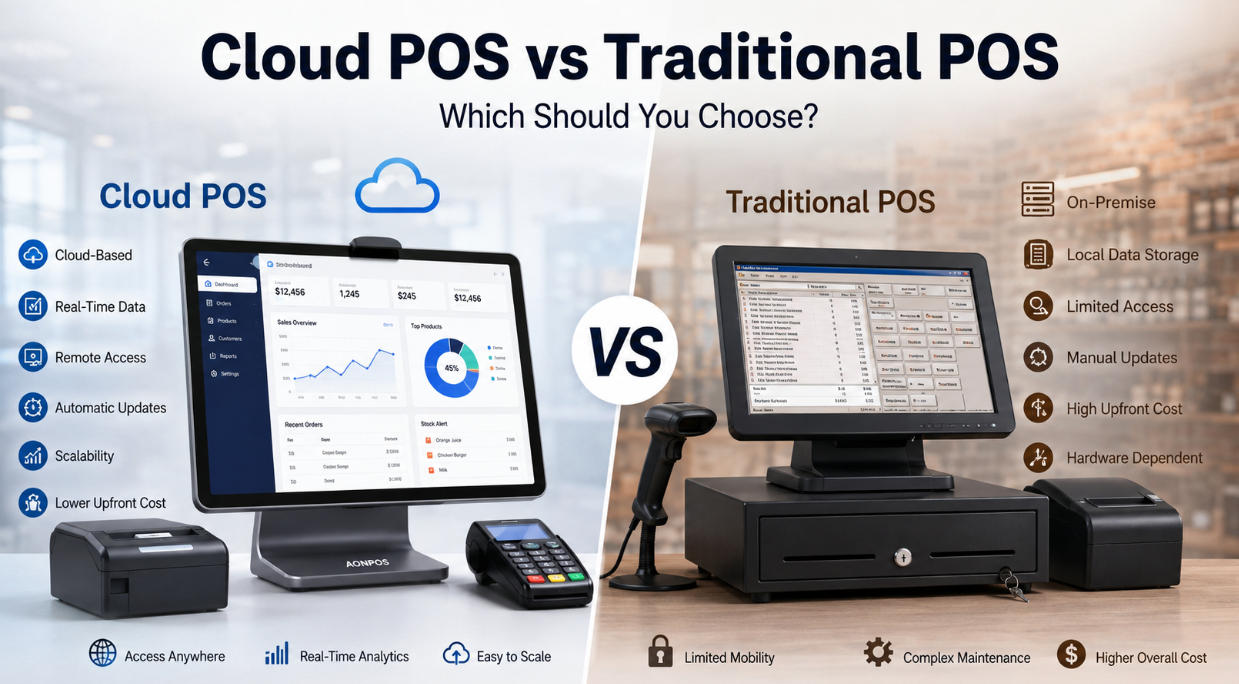
Assess cloud and local POS architectures through connectivity, synchronization, backups, access and recovery rather than broad claims about modernity.
Cloud and local POS architectures place responsibilities in different locations. A cloud service may centralize updates and records, while a local installation may retain more processing at the store. Many systems are hybrid. Ask where each critical function runs and what remains usable when a connection or service fails.

Follow the data
Identify where product records, transaction history and personal information are held. Confirm export options, retention, backup responsibilities and access after contract termination. For hybrid systems, define synchronization rules and conflict handling. A local copy is not necessarily a backup, and a cloud subscription does not automatically provide the restoration process your business requires.
Compare operational dependencies
- Connectivity: test loss and restoration using the provider's supported offline rules.
- Payments: confirm separately whether authorization can proceed when other services are unavailable.
- Updates: agree timing, testing and rollback responsibilities.
- Security: restrict accounts and review remote administration.
- Cost: include subscriptions, local maintenance, connectivity and recovery stock.
Test the architecture you will deploy
Run a sale, return and close-out during normal operation and a controlled interruption. Reconcile records after recovery. Choose the architecture whose failure behavior and data arrangements fit the business. Neither cloud nor local processing removes the need for supported hardware, accurate records and an accountable support process.