Capacitive or Resistive Touch: Select the Interface for the User and Site
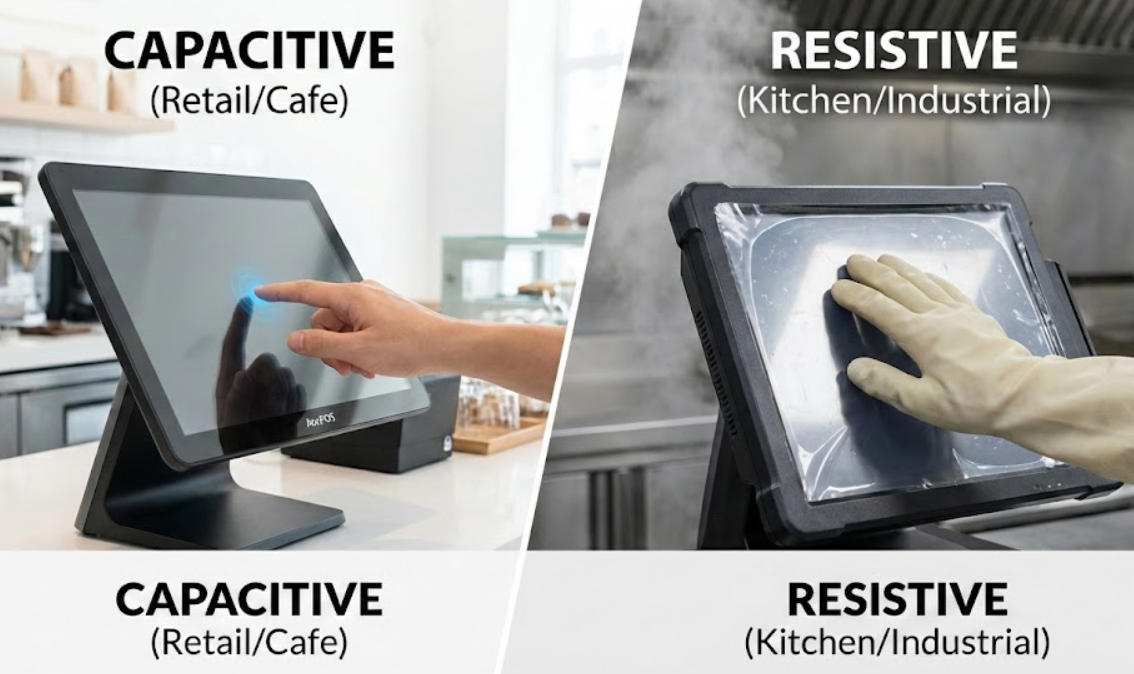
Compare capacitive and resistive touch technologies through glove use, gesture needs, durability, cleaning and application design.
Touch technology affects how staff interact with a POS or kiosk, but the correct choice depends on the operating environment. Capacitive panels usually support a modern glass-like gesture experience, while resistive panels respond to pressure and can suit some gloves or stylus workflows. Product category alone cannot establish the best fit.

Describe the interaction
List whether users tap large buttons, enter small fields, wear gloves or use a stylus. Consider accidental contact, multi-touch and the need for a clean, flat surface. Test common tasks with the actual application because a screen that is technically accurate can still be difficult when buttons are crowded or feedback is unclear.
Consider the environment and service routine
- Check glove and moisture performance using the exact panel, controller and cleaning process.
- Review glare, scratch resistance and readability under the installation lighting.
- Confirm overlay compatibility because added glass or film can change input behavior.
- Inspect mounting and sealing requirements without assuming an indoor panel is protected outdoors.
- Provide an alternative or staff assistance route when touch input cannot be used.
Approve the complete interface
Run repeated interactions, edge taps and error recovery on the production candidate. Record calibration and controller settings. Do not choose a technology from a generic claim that one is always more durable or responsive. The usable result comes from the panel, controller, application layout, user conditions and maintenance plan working together.