Restaurant POS Hardware in 2026: A Station-by-Station Checklist
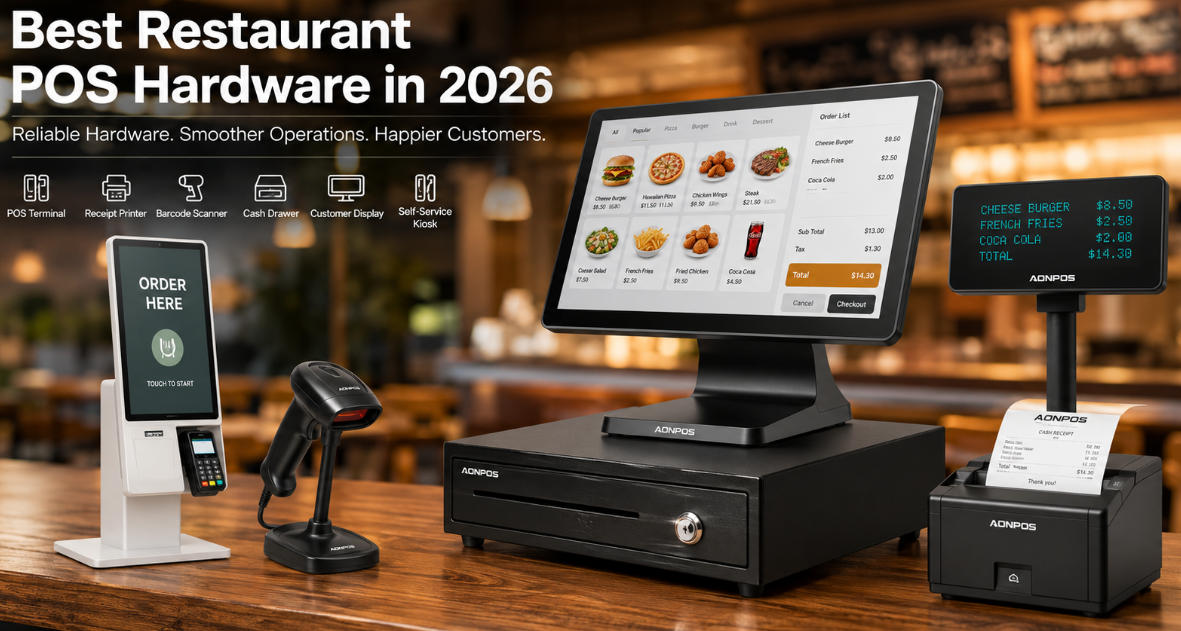
Specify restaurant checkout, ordering and kitchen hardware by station, with practical checks for environment, networking and support.
Restaurant hardware works best when each station has a clear role. The front counter, server station, kitchen and collection point may need different devices even when they share one application. In 2026, a useful buying plan still starts with order flow and the physical operating environment.

Specify each station separately
At checkout, test readable touch controls, payment and receipt output. At a server station, check order entry and bill handling. In preparation areas, confirm whether a printer or kitchen display is supported and how missed orders are signaled. Keep equipment away from steam, grease and heat unless the exact assembly is rated and installed for those conditions.
Review the shared dependencies
- Network coverage and wired connections for critical fixed devices.
- Approved drivers and application versions for every station.
- Cable routing, paper replacement and manufacturer-approved cleaning.
- Payment-provider support for tips, splits and refunds where required.
- Spare devices and recovery images that match the active configuration.
Accept a complete service cycle
Run a busy-period rehearsal with modifiers, changes, cancellations and close-out. Test an unavailable kitchen device and a delayed payment result. Include service visits, subscriptions and staff training in the budget. Select hardware that makes each station dependable rather than repeating one terminal model everywhere for purchasing convenience alone.