Grocery POS Hardware: A Connection and Counter Planning Guide
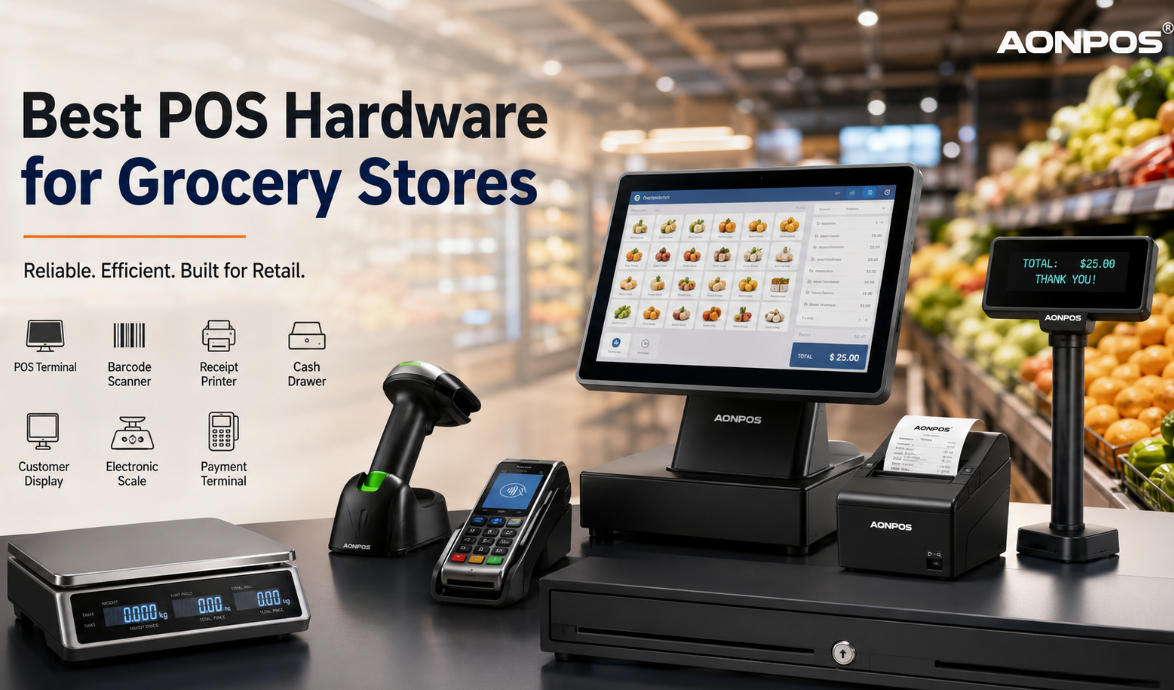
Plan grocery checkout hardware by mapping scanners, weighing, printing, cash handling and payment to the available counter and software.
Grocery hardware selection is a physical integration task as well as a computing decision. Merchandise moves through scanning, weighing, bagging and payment, and each device needs usable space and a supported connection. Draw the complete lane before selecting the terminal and accessories.

Map the devices
List presentation and handheld scanning, scale integration, receipt printing, drawer opening and customer payment. Confirm cable types, power and software support for each. Where goods are sold by weight, obtain appropriate legal-for-trade and integration advice for the jurisdiction. Do not connect a drawer or scale based only on a familiar-looking connector.
Test the counter layout
- Scan heavy goods without forcing staff to lift them awkwardly.
- Keep customer payment and receipt collection clear of bagging traffic.
- Protect cables from drawers and moving equipment.
- Leave paper and service access available during trading.
- Check customer-display totals and price visibility from ordinary positions.
Validate recovery and repeatability
Run realistic baskets, returns and a shift close, then simulate an unavailable peripheral. Confirm that replacing a scanner or printer restores the approved behavior without undocumented settings. Keep the connection map and hardware revisions with the store records. A well-planned lane is easier to maintain than a collection of individually capable devices fitted around the counter after delivery.