Choosing a POS Processor: A Benchmark Plan for Buyers and Integrators
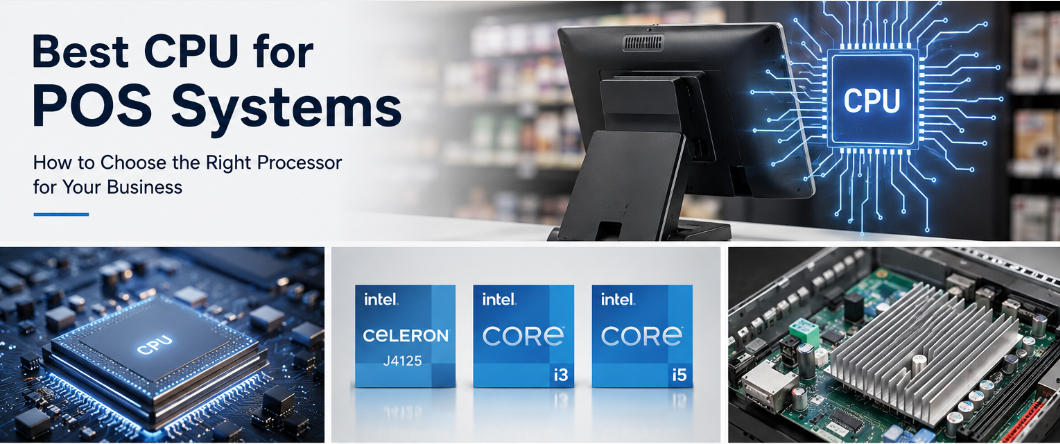
Create a repeatable CPU evaluation using real POS tasks, concurrent services, thermal behavior and supported platform requirements.
Processor selection becomes easier when the buying team agrees what acceptable response looks like. A CPU name or generation is not enough to compare complete terminals. Memory, storage, firmware and cooling influence the observed result, so benchmark the assembled configuration that will actually be deployed.

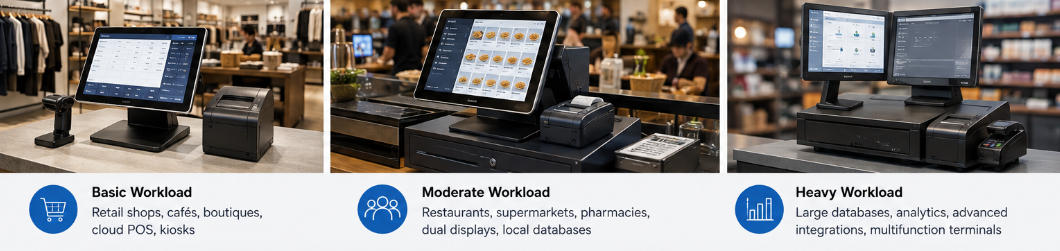
Define the test workload
Use the target application, representative database and approved background services. Include startup, item lookup, basket edits, receipt generation and reporting where it runs on the terminal. Separate external service delays from local processing. Confirm the software provider's recommended resources before trying lower-cost configurations.
Record comparable measurements
- Use the same software image and data where the platforms support it.
- Measure repeated tasks rather than relying on one unusually quick run.
- Monitor CPU use, memory pressure, temperature and throttling.
- Run a sustained session with the intended peripherals attached.
- Record exact processor, board revision, memory and storage in each result.
Approve practical headroom
Choose capacity for expected workload growth and supported updates without paying for unused performance. Check operating-system lifecycle and repeat-order availability. If storage or application design is the limiting factor, address that instead of escalating the CPU. Keep the benchmark with the reference build so later substitutions can be judged against the same operational requirement.