Touchscreen Payment Kiosks: The Complete Transaction Acceptance Test
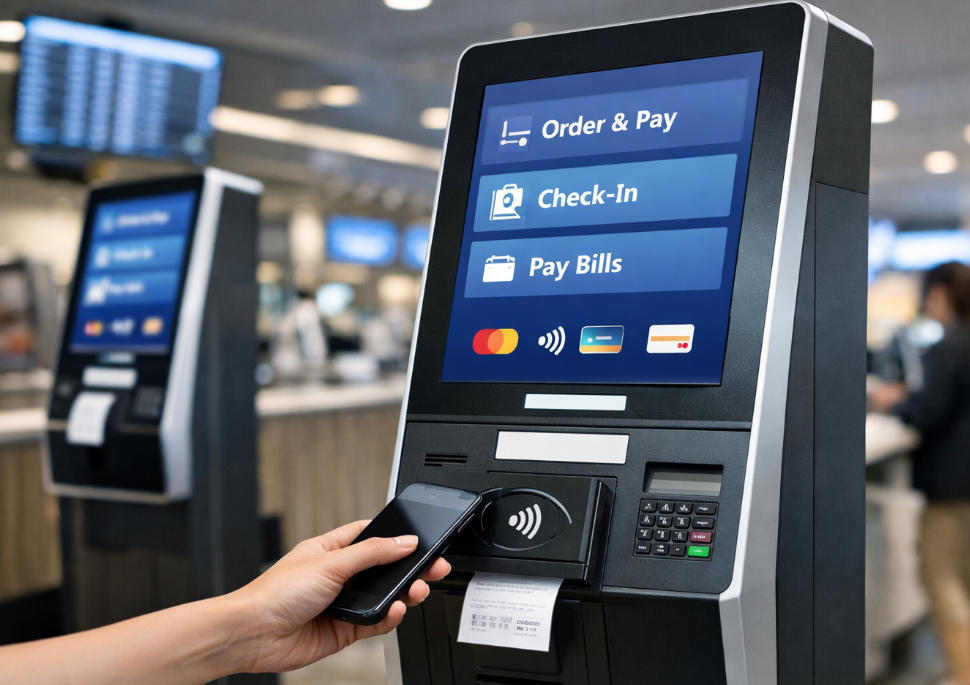
Test a touchscreen payment kiosk from session start to settlement, including failed printing, cancellation and uncertain authorization.
A payment kiosk is more than a touchscreen attached to a card reader. The application must coordinate customer input, provider authorization, confirmation and the final business action. A successful payment demo is useful, but the acceptance test must also prove what happens when those steps are interrupted.

Specify the transaction state
Assign a unique reference to each session and retain the provider's supported transaction identifiers. Define when the application considers payment complete and when goods, tickets or access are released. An on-screen animation or printed receipt is not authoritative proof of a successful authorization.
Run the important exception cases
- Customer cancels before and during the provider interaction.
- The network disconnects before the result returns.
- Payment succeeds but the printer is unavailable.
- The application restarts with an unfinished transaction.
- A refund or reversal is requested through the authorized provider workflow.
Approve the operating arrangement
Confirm the selected payment device is approved for the unattended setting and market. Restrict administrative access, filter sensitive logs and ensure assistance information is visible. Verify application records against provider reports in the pilot. A dependable kiosk makes every outcome traceable and recoverable, not simply the successful path attractive and easy to demonstrate.