Android or Windows Kiosk: Choose the Platform Around the Application
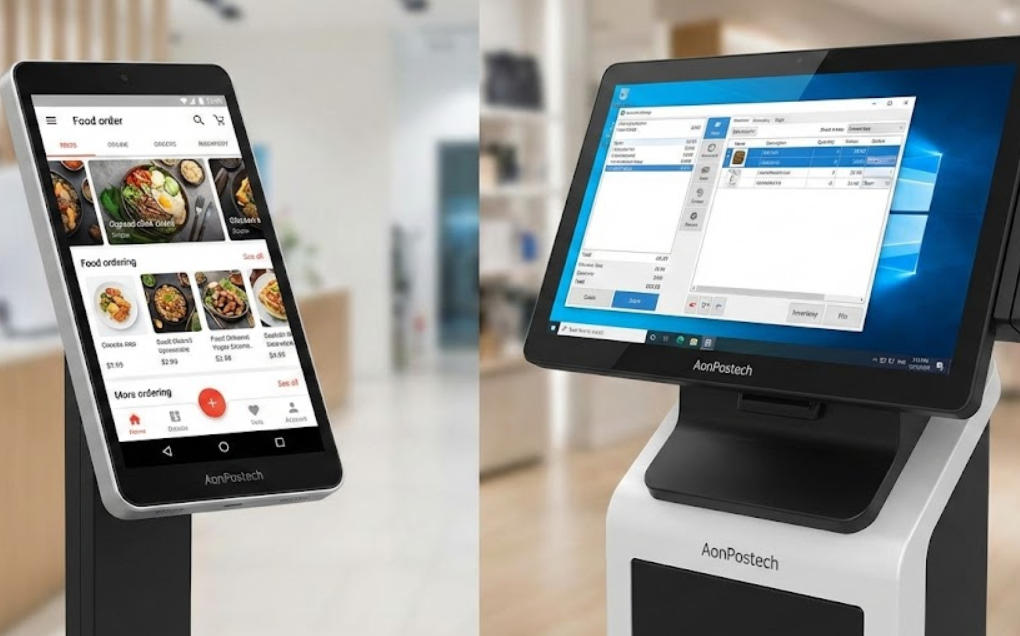
Compare Android and Windows kiosk deployments by software support, device drivers, management, security updates and recovery requirements.
The operating system is part of the kiosk specification, not a late-stage preference. Android can suit a controlled touch application with a mobile-oriented management model, while Windows may be required by an existing desktop application or driver. Neither platform is automatically better for every deployment.

Start with the software contract
Confirm the application architecture, supported versions, required runtimes and peripheral drivers. Check whether the payment provider, scanner, printer and camera integration is certified for the proposed platform. A kiosk that launches an application but cannot recover its printer or payment state is not ready for production.
Compare operation and management
- Android: review managed-device support, application distribution, update control and hardware SDK availability.
- Windows: review licensing, account lockdown, update policy, drivers and recovery-image maintenance.
- Both: restrict administrative access, protect service credentials and test offline behavior.
- Record how a failed update or damaged storage is restored without exposing a previous customer's session.
Approve the platform through a pilot
Run a complete transaction and several failure cases on the exact image and hardware. Measure startup, recovery and support effort rather than relying on familiar branding. Choose the platform whose lifecycle and integration responsibilities the operating team can actually maintain for the planned deployment period.