Modular Kiosk Customization: Where Flexibility Helps and Where It Adds Risk
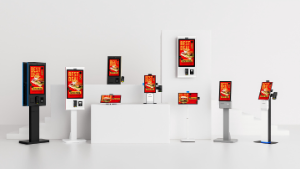
Evaluate interchangeable kiosk modules through mechanical fit, power, drivers and maintenance access before committing to a modular design.
Modular kiosk design can let one enclosure serve several applications, but modules are not interchangeable by appearance alone. A scanner, printer or card reader has mechanical, electrical and software requirements. Define a supported module set and test its combinations before calling the platform flexible.

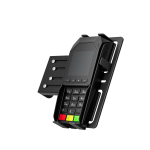
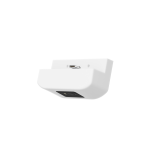
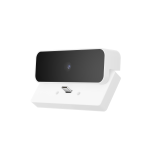
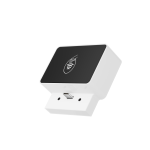

Specify the module boundary
Record mounting dimensions, connector pinouts, power draw, driver versions and service clearance. A replacement printer may fit the opening while needing a different paper path or command profile. Check whether modules can be replaced by local service staff and whether replacement requires a software or configuration change.
Evaluate the business benefit
- Use a common base where several projects share computing and enclosure requirements.
- Keep approved alternatives for parts with a known supply risk.
- Avoid fitting optional modules that the application cannot use.
- Document which changes require new compliance or safety review.
- Include the cost of unique spares, tooling and repeated integration testing.
Control revisions after launch
Maintain an approved compatibility matrix and serial-to-build record. Require notice before a supplier substitutes a module, even if its headline specification is similar. Test paper access, cable routing and recovery after every meaningful change. Modularity creates value when it shortens a controlled upgrade or repair; it becomes a liability when unsupported combinations accumulate without a clear owner.